62
Others Connecting Windows Media Player
Connect the SA-DV6000 to Windows Media Player using the network.
1.
Set STREAM TYPE in the ENCODE SETUP menu to “for WMP”.
2.
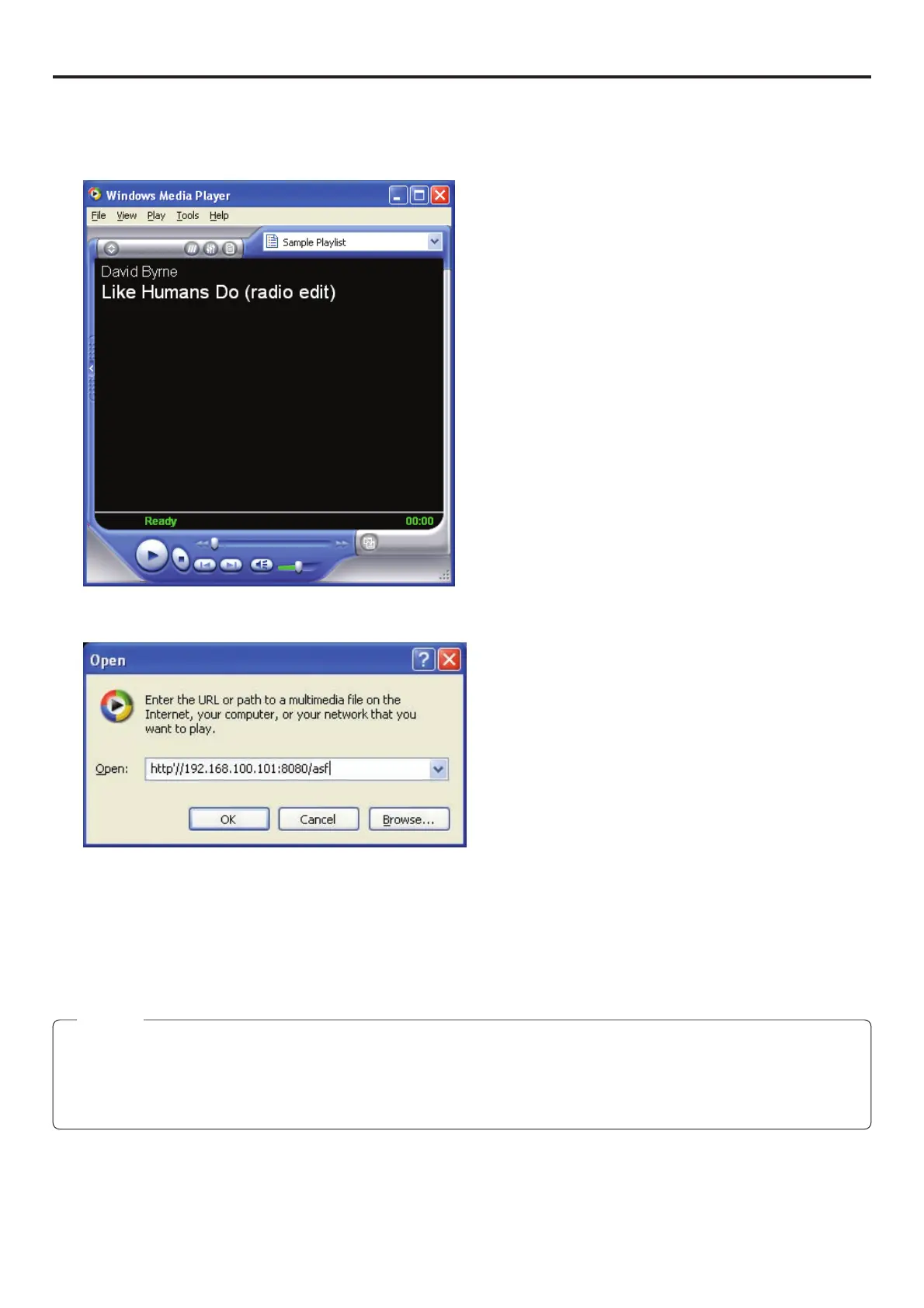
Open Windows Media Player.
3.
Select [File] → [Open URL].
The following dialog box will appear.
4.
Set the IP address of the VTR.
http://***.***.***.***:####/asf
* → IP address of VTR
# → HTTP Port number set in “for Media player”
5.
When completed with setting, select OK to establish connection.
Memo
● If there is a lag between the video and audio, set the sampling frequency of input and the audio mode of BR-DV6000 to match,
stop playback on Media Player and try again.
● WMP for Mac OS not supported.
Use QuickTime Player. (
☞
page 63)


 To Next Page