63
Others Connecting Quick Time Player
Connect the SA-DV6000 to QuickTime Player using the network.
1.
Set STREAM TYPE in the ENCODE SETUP menu to “for QT”.
2.
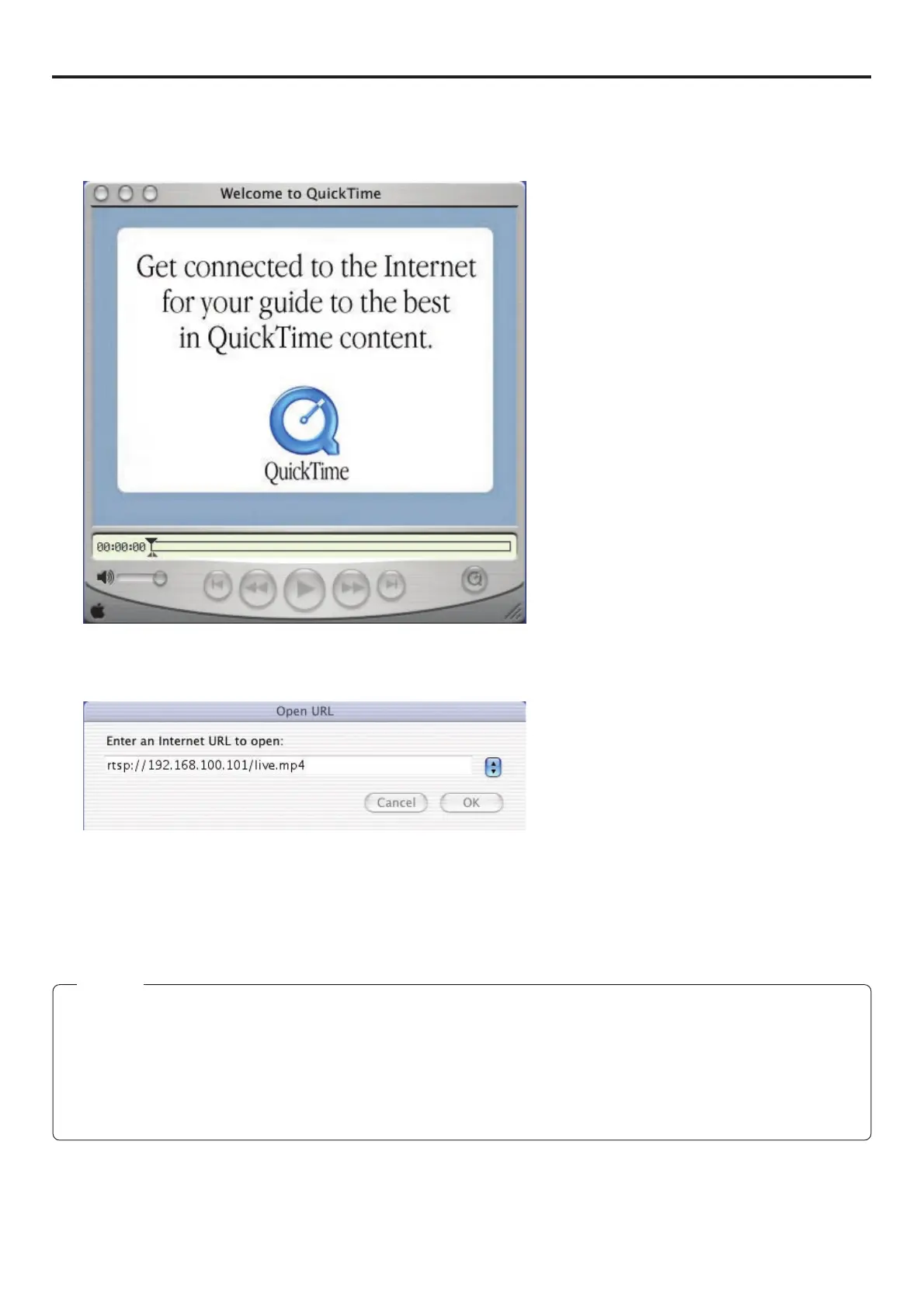
Open Quick Time Player.
3.
Select [File] → [Open URL with New Player].
The following dialog box will appear.
4.
Set the IP address of the VTR.
rtsp://***.***.***.***/live.mp4
* → IP address of VTR
5.
When completed with setting, select OK to establish connection.
Memo
● When quickly alternating Play and Still operations on QuickTime, a 455 error dialog may appear. In this case, turn off the BR-
DV6000 and turn the power back on.
● When repeating Open and Close operations on the QuickTime Player, there may be a lag between the audio and video. In this
case, restart QuickTime.
● If there is a lag between the video and audio, set the sampling frequency of input signals and the audio mode of BR-DV6000 to
match, close QuickTime and launch again.


 To Next Page