11
PAINT AUTO
BR
W.BAL
AUTO
MANU
WHITE MASTER BLACK
POWER
I
O
IRIS
B
A
PRESET
CLOSE OPEN
MID
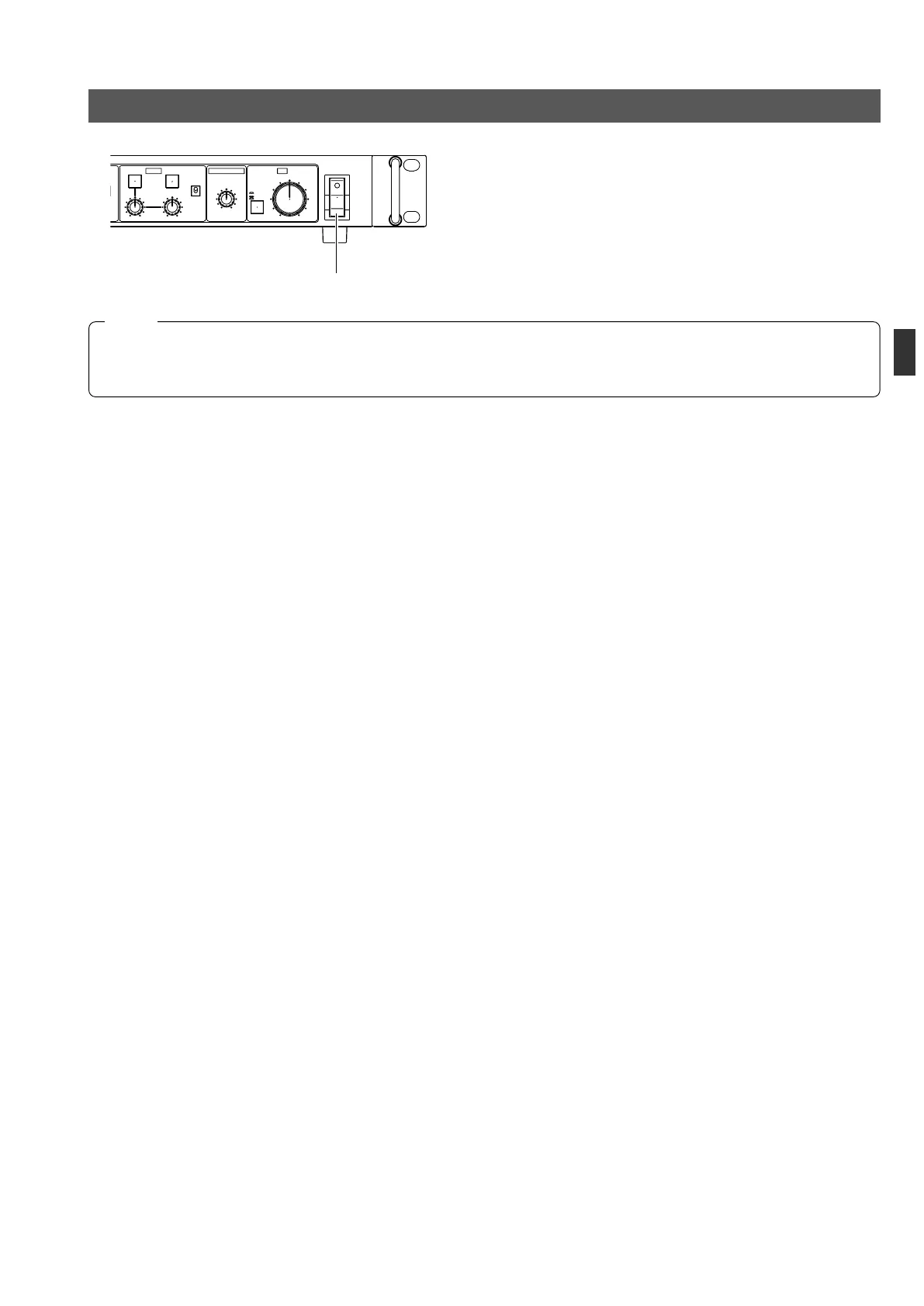
REMOTE CONTROL UNIT RM-P210
POWER switch
1.
Connect the camera to the RM-P210 using a proper con-
nection method.
2.
Set the camera switches as shown on the previous page.
3.
Press the POWER switch of the RM-P210 to ON.
CONNECTION
TURNING THE POWER ON
● When an item is controllable from both the RM-210 and the camera, the control from the camera is defeated. Note that the
items that are controllable from the RM-210 are variable depending on the camera models.
● When connecting the RM-P210 to the camera, do not connect a local remote controller to the camera.
NOTE



 To Next Page