26
LCD MODE MENU
This menu sets up the LCD display.
NORMAL
ON
–
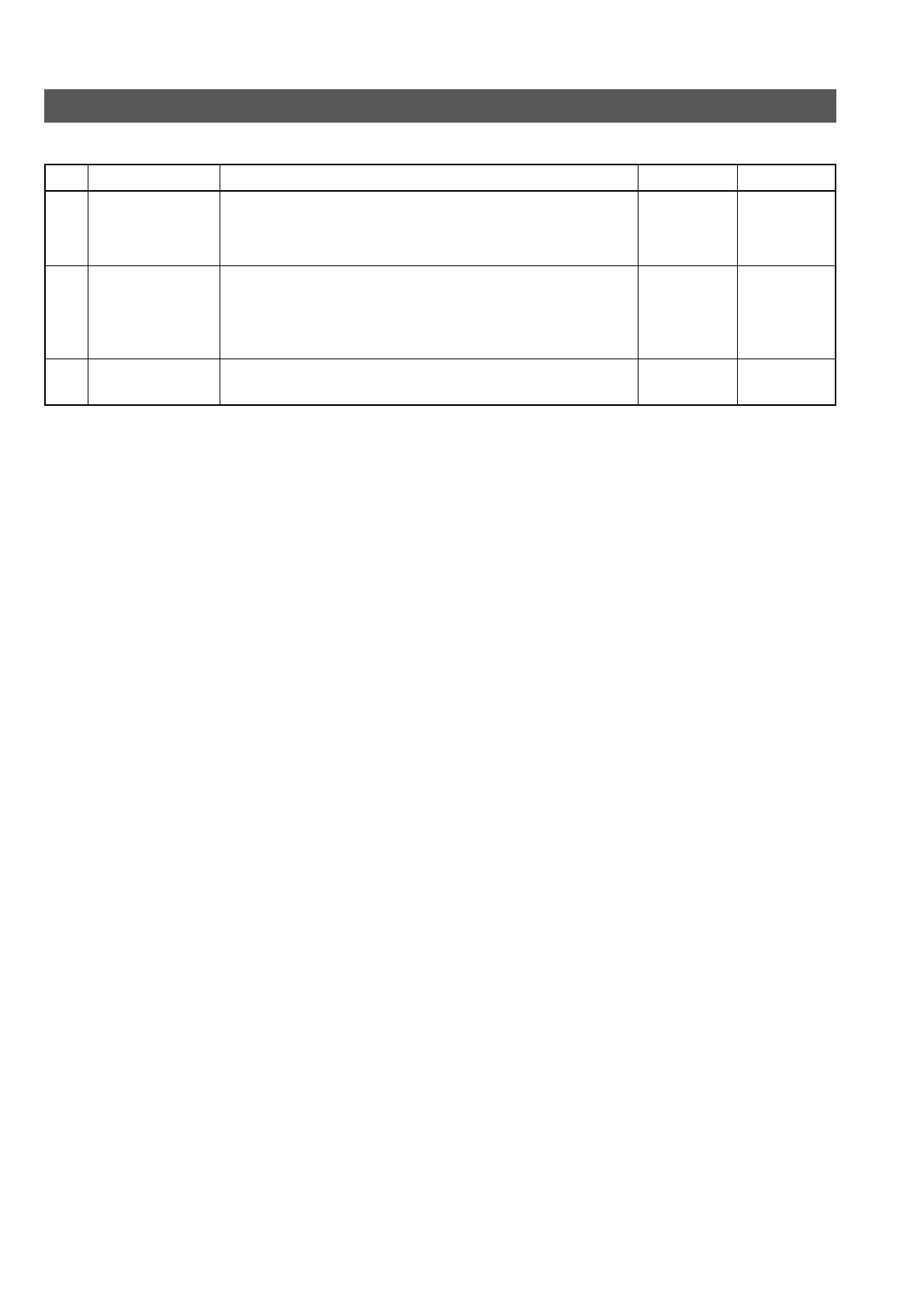
No. Item Function, Operation
Available Settings
Initial Setting
6A
6B
6Z
CONTRAST
BACKLIGHT
BACK
Adjusts the contrast of the LCD display.
Adjusts the setting of the backlight of the LCD display.
OFF : Backlight is turned off.
ON : Backlight is turned on.
Returns to the previous display.
5 to
NORMAL
to -5
OFF
ON
–
MENU OPERATION



 To Next Page