EasyManua.ls Logo

JVC SP-PWM45 - User Manual

JVC SP-PWM45
134 pages
Print Icon
To Next Page IconTo Next Page
Loading...
TH-M65
TH-M45
For Customer Use:
Enter below the Model No. and Serial
No. which are located either on the rear,
bottom or side of the cabinet. Retain this
information for future reference.
Model No.
Serial No.
LVT1024-001A
[J]
TH-M55
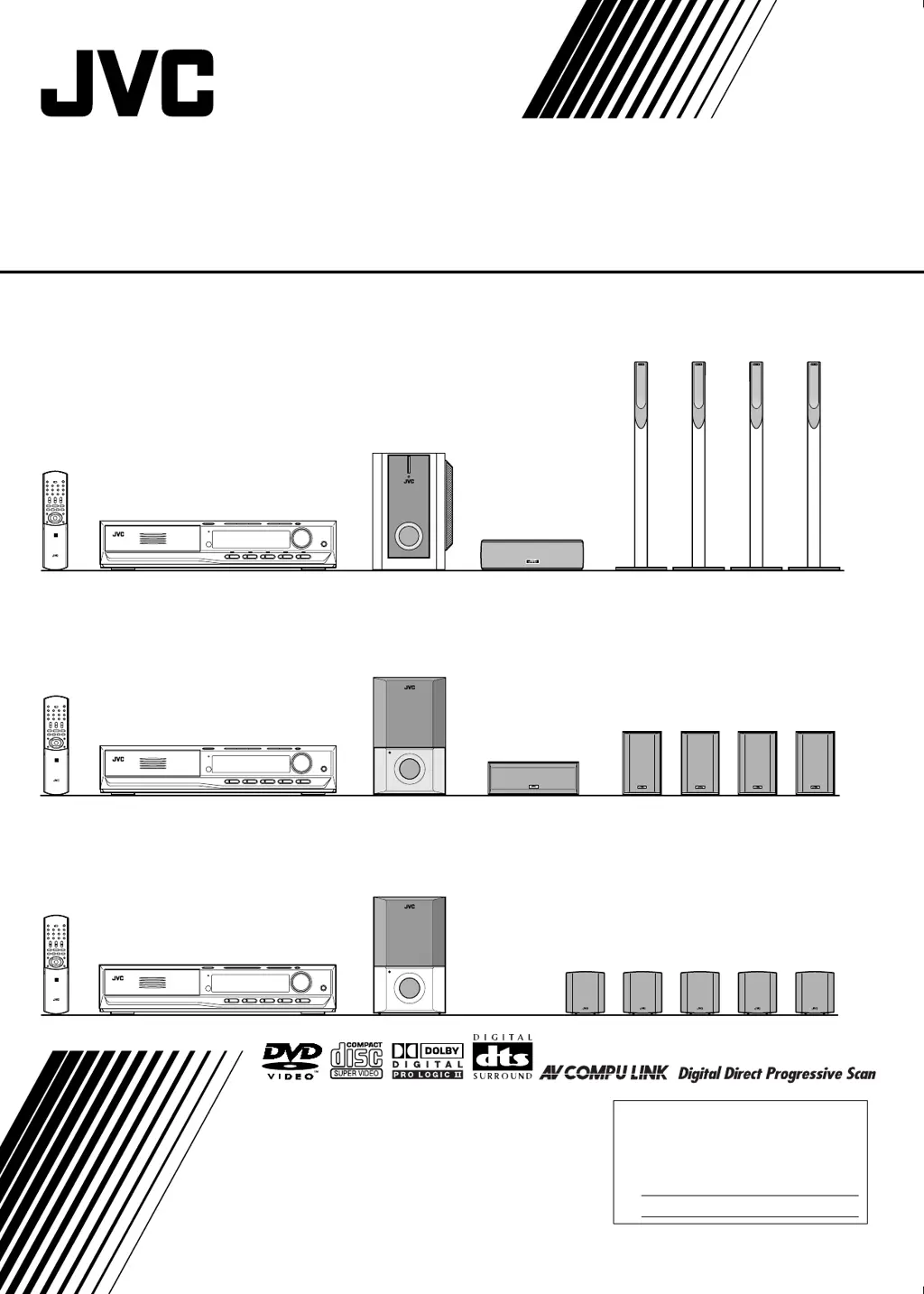
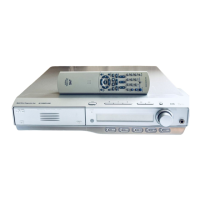
DVD DIGITAL THEATER SYSTEM
INSTRUCTIONS
Consists of XV-THM65, SP-PWM65, SP-THM65C and SP-THM65F
Consists of XV-THM55, SP-PWM55, SP-THM55C and SP-THM55F
Consists of XV-THM45, SP-PWM45, SP-THM45C, SP-THM45F and SP-THM45S
TH-M65-55-45[J].book Page 1 Friday, March 14, 2003 6:52 PM

Table of Contents

Questions and Answers

  • J
    James OrtizAug 10, 2025
    How to turn on JVC SP-PWM45 Home Theater System if it doesn't power on?
    • X
      Xavier WalterAug 10, 2025
      If your JVC Home Theater System isn't powering on, the most common reason is that the power cord isn't properly connected. Ensure the power cord is securely connected to both the center unit and a functioning AC outlet.
  • B
    Brandon PriceAug 25, 2025
    Why is there no power to my JVC Home Theater System's subwoofer?
    • C
      christinefrankAug 25, 2025
      If your JVC Home Theater System's subwoofer isn't receiving power, there are a couple of things to check. First, make sure the subwoofer's power cord is securely plugged into an AC outlet. Turn off the system, plug the power cord firmly into the outlet, and then turn the system back on. Also, verify that the system cord is properly connected.

JVC SP-PWM45 Specifications

General IconGeneral
BrandJVC
ModelSP-PWM45
CategoryHome Theater System
LanguageEnglish

Related product manuals