Dubbing Still Images from
the HDD (Continued)
6
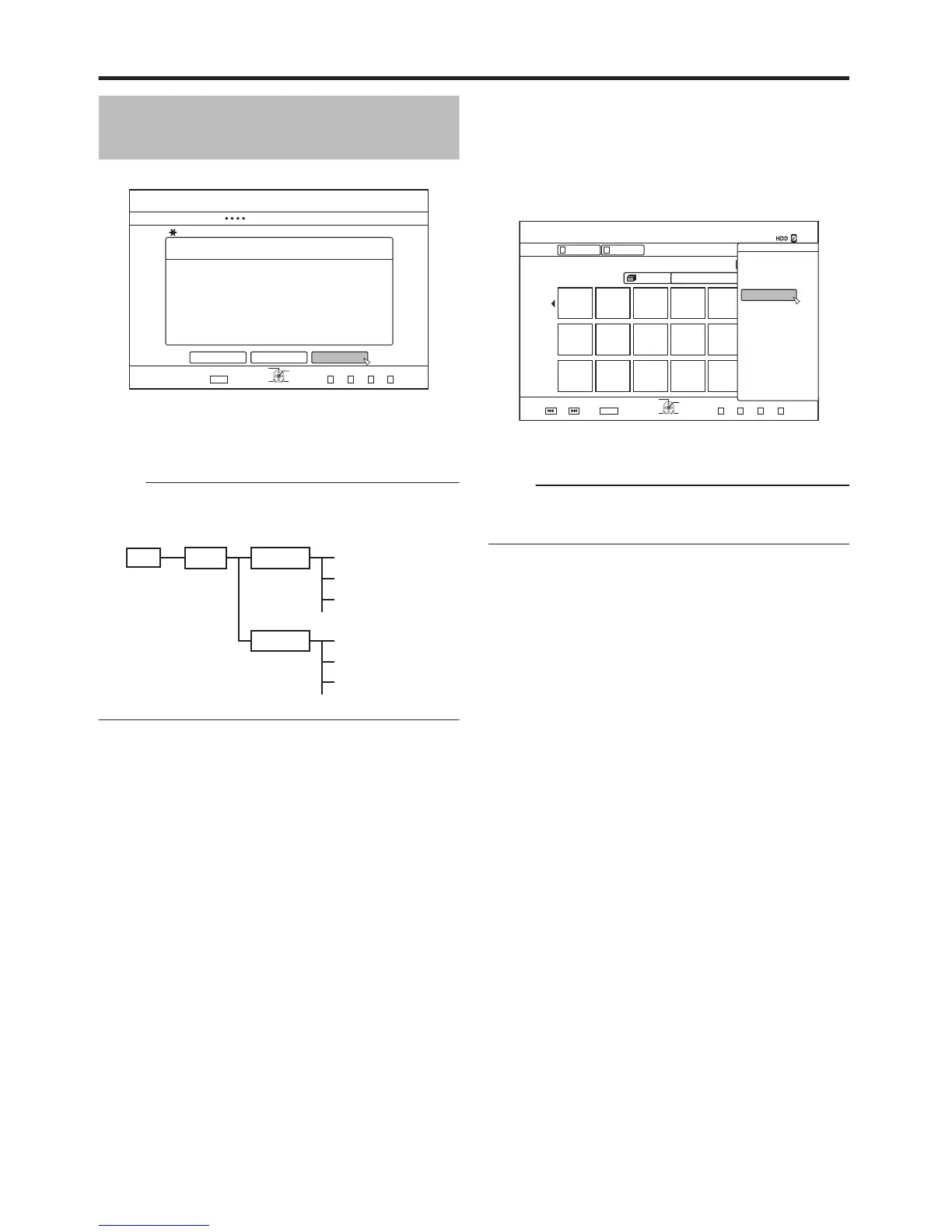
Select “START”, and press the [OK] button
.
v
Dubbing starts. A progress bar is displayed during the
dubbing process.
v
After dubbing is complete, a “DUBBING IS COMPLETED”
message appears on the monitor.
Memo:
v
A directory of the following configuration is created in the
media, and still images are written with file names ranging
from “PIC_0001.jpg” to “PIC_9999.jpg”.
.
m
Dubbing from the Playback Navigation
screen
Dubbing can also be performed from the Playback Navigation
screen.
1
Select the still images to dub, and press the
[OPTION] button
.
2
Select “DUB”, and press the [OK] button
3
Follow steps 3 to 5 of “Dubbing still images”
Memo:
v
Check marks of still images that appear on the Playback
navigation screen will remain added to the image on the
still image selection screen.
m
Cancel dubbing
To cancel dubbing before it starts
v
Select “CANCEL” from the menu, and press the [OK]
button to cancel dubbing.
v
Alternatively, you can press the [RETURN] button to cancel
dubbing and return to the initial screen.
To discontinue dubbing while it is in progress
v
Press the [OPTION] button. Select “CANCEL” from the
Cancel Dubbing menu, and press the [OK] button. Data will
be written onto the disc up to the point where import is
cancelled.
Dubbing/Importing
48



 To Next Page