m
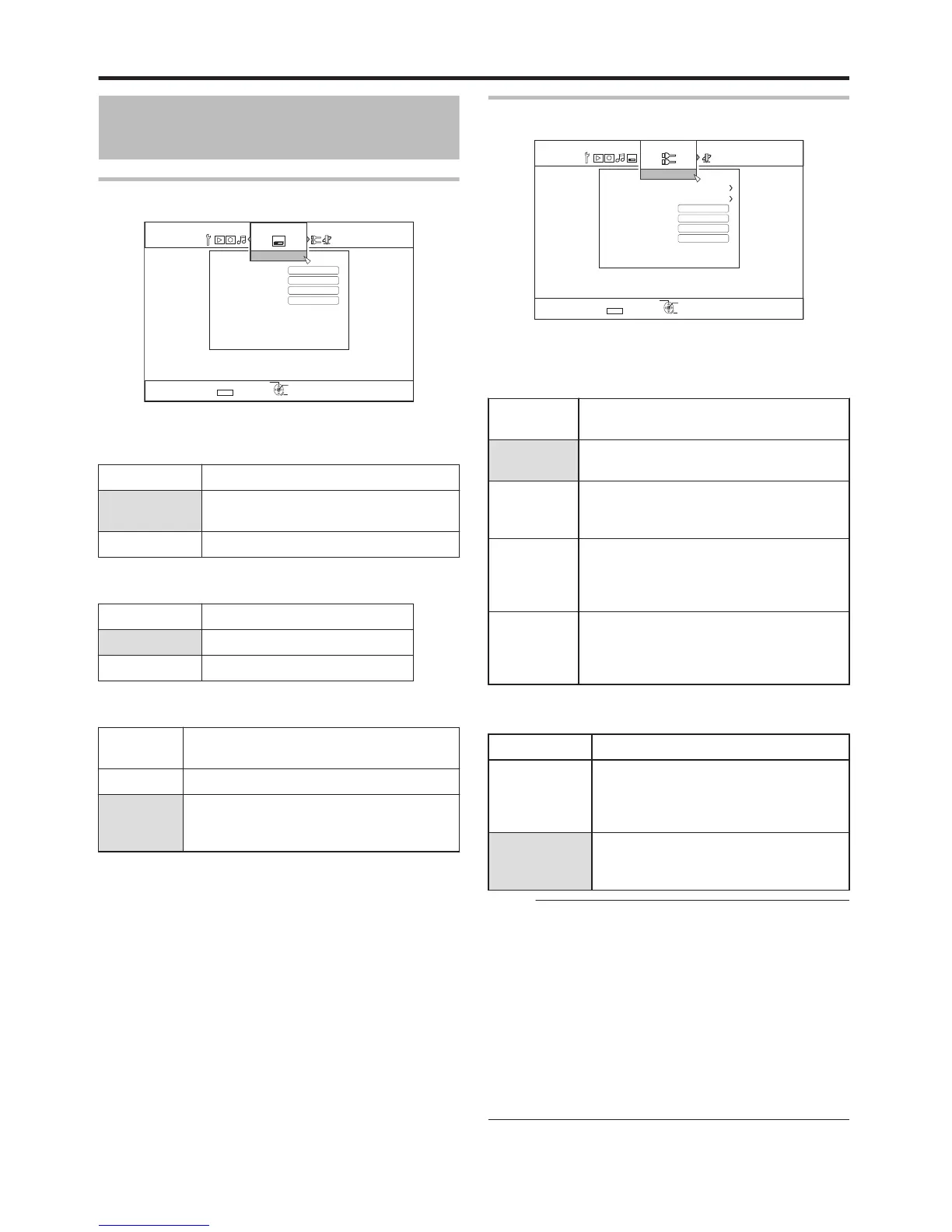
ON SCREEN GUIDE
For displaying operation details.
Setting Values
Description
AUTO Appears for five seconds when an
operation is performed.
OFF Not displayed.
m
BLUE BACK
For setting the screen display when there is no signal input.
Setting Values
Description
OFF Displays screen as it is.
ON Switches display to a blue screen.
m
SCREEN SAVER
For setting whether to use a screensaver.
Setting
Values
Description
OFF Screen saver is not used.
ON Screen saver is used. Switches to the burn-
in prevention screen when the unit is not
operated for more than five minutes.
m
OSD LANGUAGE
For setting the language for messages displayed on-screen.
CONNECTION
.
m
MONITOR TYPE
For setting the aspect ratio according to the connected
monitor.
Setting
Values
Description
16:9 Set to this value when connected to
monitors with 16:9 aspect ratio.
16:9FULL Choose this setting when a 16:9 monitor is
connected to display images without the
black borders.
4:3
PAN&SCAN
Set to this value when connecting to
monitors with an aspect ratio of 4:3. Plays
back videos with the left and right edges
trimmed off.
4:3
LETTERBOX
Set to this value when connecting to
monitors with an aspect ratio of 4:3. Plays
back videos with a black band at the upper
and lower ends.
m
HDMI CONNECTION
v
VIDEO PRIORITY MODE
Setting Values
Description
COMPONENT Set to this value for output at a resolution
of “480p” (NTSC)/“576p” (PAL) or higher
from the [COMPONENT VIDEO OUT]
terminal.
HDMI Set to this value when priority is to be
given to the “HDMI OUTPUT
RESOLUTION” setting.
Memo:
v
During data output from the [HDMI] terminal, setting to
“COMPONENT” automatically outputs data in the
“COMPONENT OUTPUT” setting.
Setting to “HDMI” outputs data in the “HDMI OUTPUT
RESOLUTION” setting.
v
During data output from the [HDMI] and [COMPONENT
VIDEO OUT] terminals, setting to “COMPONENT”
automatically outputs data in the “COMPONENT OUTPUT”
setting.
Setting to “HDMI” outputs data at the “576i” resolution from
the [COMPONENT VIDEO OUT] terminal.
v
When there is no output from the [HDMI] terminal, data is
automatically output from the [COMPONENT VIDEO OUT]
terminal in the “COMPONENT OUTPUT” resolution.
Settings Menu
88



 To Next Page