Copying the Entire Disc
(Continued)
8
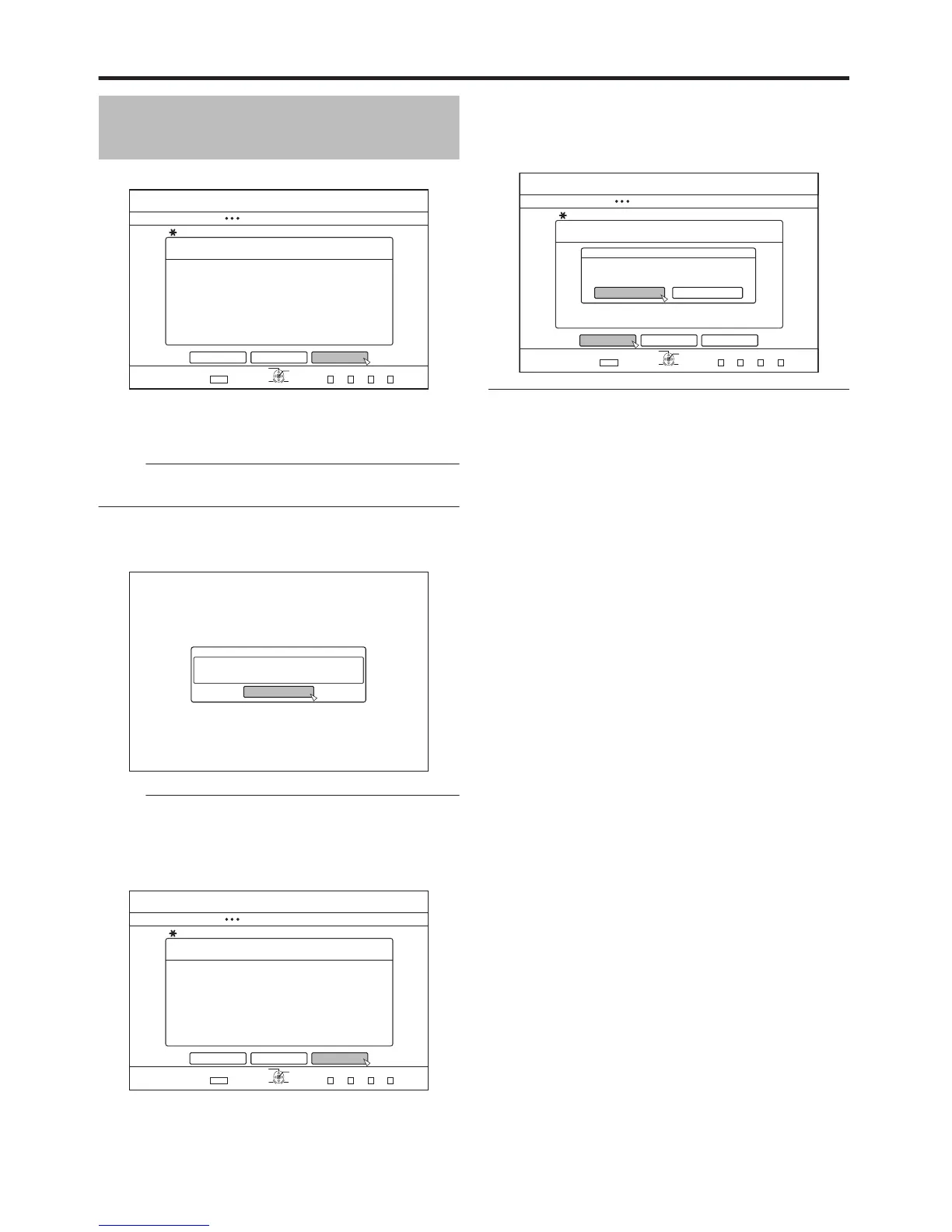
Select “START”, and press the [OK] button
.
126+10
1-
4'6740
&7$$+0)
56'2
%#0%'.
':+6
5'.'%6
&7$$+0)
5'.'%656#4661$')+0&7$$+0)
4'#&;61%12;019+05'466*'&+5%(14%12;+0)
&+5%%12;
$#%- 56#46
v
The disc tray will close automatically. BD or DVD will be
recognized, and the contents that were copied to the HDD
will be copied to the disc.
Memo:
v
The copy operation will not be performed when the
remaining disc memory is not sufficient.
9
Complete the entire disc copying
v
After copy is complete the tray will open automatically, and
copy of the entire disc ends.
.
%10(+4/
%12;+0)10616*':::&+5%+5%1/2.'6'&
1-
Memo:
v
The screen prompting you to insert a new disc appears
repeatedly until this unit has finished copying the number of
discs specified in Step 3. When the message appears, set
a new BD or DVD on the disc tray, select “START”, and
press the [OK] button.
.
126+10
1-
4'6740
&7$$+0)
56'2
5'.'%656#4661$')+0&7$$+0)
&+5%%12;
%12;+0)10616*'56&+5%+5%1/2.'6'&
+05'46#0'9&+5%
%#0%'. $#%- 56#46
':+6
5'.'%6
&7$$+0)
v
After copy is complete, the data copied onto the HDD will
be deleted.
v
Select “CANCEL” from the menu, and press the [OK]
button to cancel disc copying.
.
126+10
1-
4'6740
&7$$+0)
56'2
5'.'%656#4661$')+0&7$$+0)
&+5%%12;
%#0%'. $#%- 56#46
':+6
5'.'%6
&7$$+0)
%10(+4/
;'5 01
&1;179#0661%#0%'.&7$$+0)!



 To Next Page