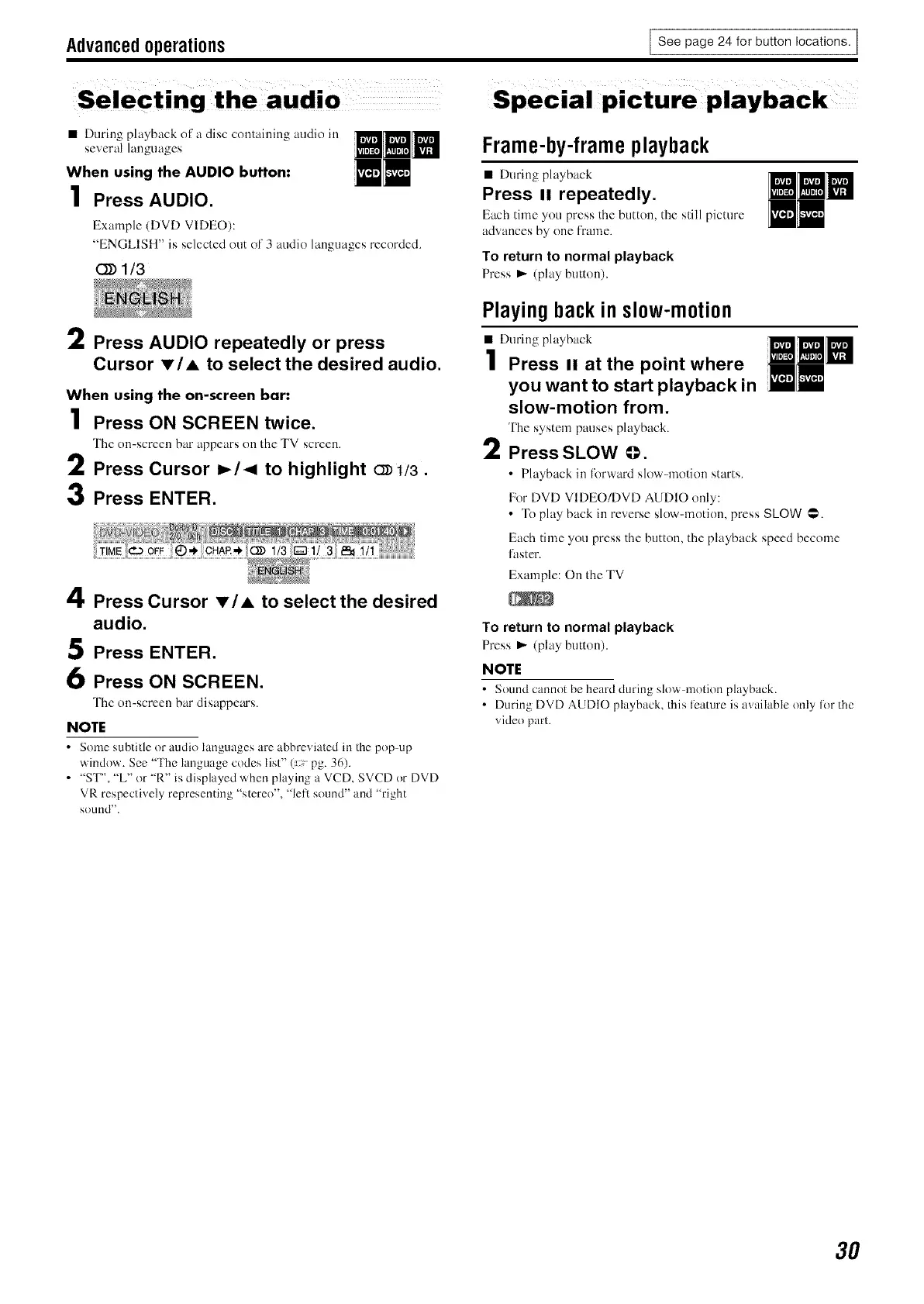
Advancedoperations
I See page 24 for button locations. I
• During playback ofa disc containing audio in
several languages
When using the AUDIO button:
1 Press AUDIO.
Example (DVD VIDEO):
"ENGLISH" is selected out of3 audio languages recorded.
(_ 1t3
2 Press AUDIO repeatedly or press
Cursor I'/A to select the desired audio.
When using the on-screen bar:
1 Press ON SCREEN twice.
The on-screen bar appears on the TV screen.
2 Press Cursor _/< to highlight cD1/3.
3 Press ENTER.
4 Press Cursor _'/A to select the desired
audio.
5 Press ENTER.
6 Press ON SCREEN.
The on-screen bar disappem's.
NOTE
• Some subtitle or audio hmguages are abbreviated m the pop up
window. See "The language codes list" (pg. 36).
• "ST", "L" or "R" is displayed when playing a VCD, SVCD or DVD
VR respectively representing "stereo", "fell sound" and "right
sound".
Frame-by-frameplayback
• During playback
Press II repeatedly.
Each time you press the button, the still picture
advances by one frame.
To return to normal playback
Press _ (play button).
Playingbackin slow-motion
• During playback
1 Press II at the point where
you want to start playback in
slow-motion from.
The system pauses playback.
2 Press SLOW @.
• Playback in Ikwward slow-motion starts.
For DVD VIDEO/DVD AUDIO only:
• To play back in reverse slow-motion, press SLOW @.
Each time you press the button, the playback speed become
faster.
Example: On the TV
To return to normal playback
Press _ (play button).
NOTE
• Sound cannot be heard during slov\ motion playback.
• During DVD AUDIO playback, this feature is available only for the
video part.
3O


 To Next Page