12
Introduction
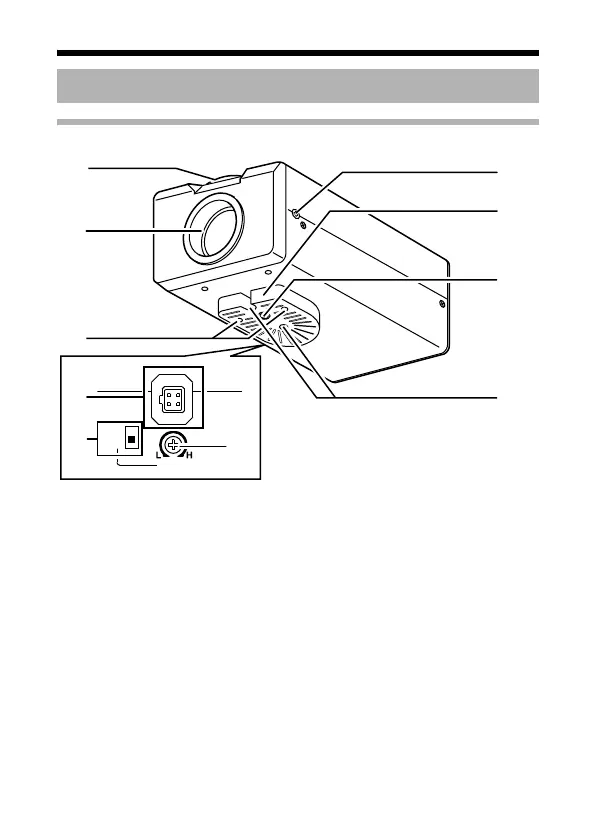
Front/Bottom/Side panel
A
Back focus adjustment ring
This ring switches between back focus adjustment and lens mounting method.
When adjustment is required, loosen the back focus fastening screw J by
turning it anti-clockwise. After the adjustment, tighten the fastening screw by
turning it clockwise. This camera is factory-adjusted to a suitable position with
CS-mount lens. (A Pg. 28)
B Lens Mount
To attach the lens. This is suitable for CS-mount lens (1/3 size) or C-mount
lens (1/3 size).
(A Pg. 20)
C Camera-mounting bracket fixing screws (x2: M2.6 x 6 mm)
Be sure to use a 6 mm long screw.
Name of Parts and their Functions
IRIS
VIDEO
DC
LEVEL
B
G
H
C
J
A
I
D
F
E
TK-C1530_EN.book Page 12 Friday, August 24, 2007 9:29 AM



 To Next Page