Page 11
VARIOUS PLAYBACK PATTERNS
Playing repeatedly
You can repeatedly play the whole disc or one track.
It is also possible to utilize this function in combination with
random/program playback function.
Repeating whole disc
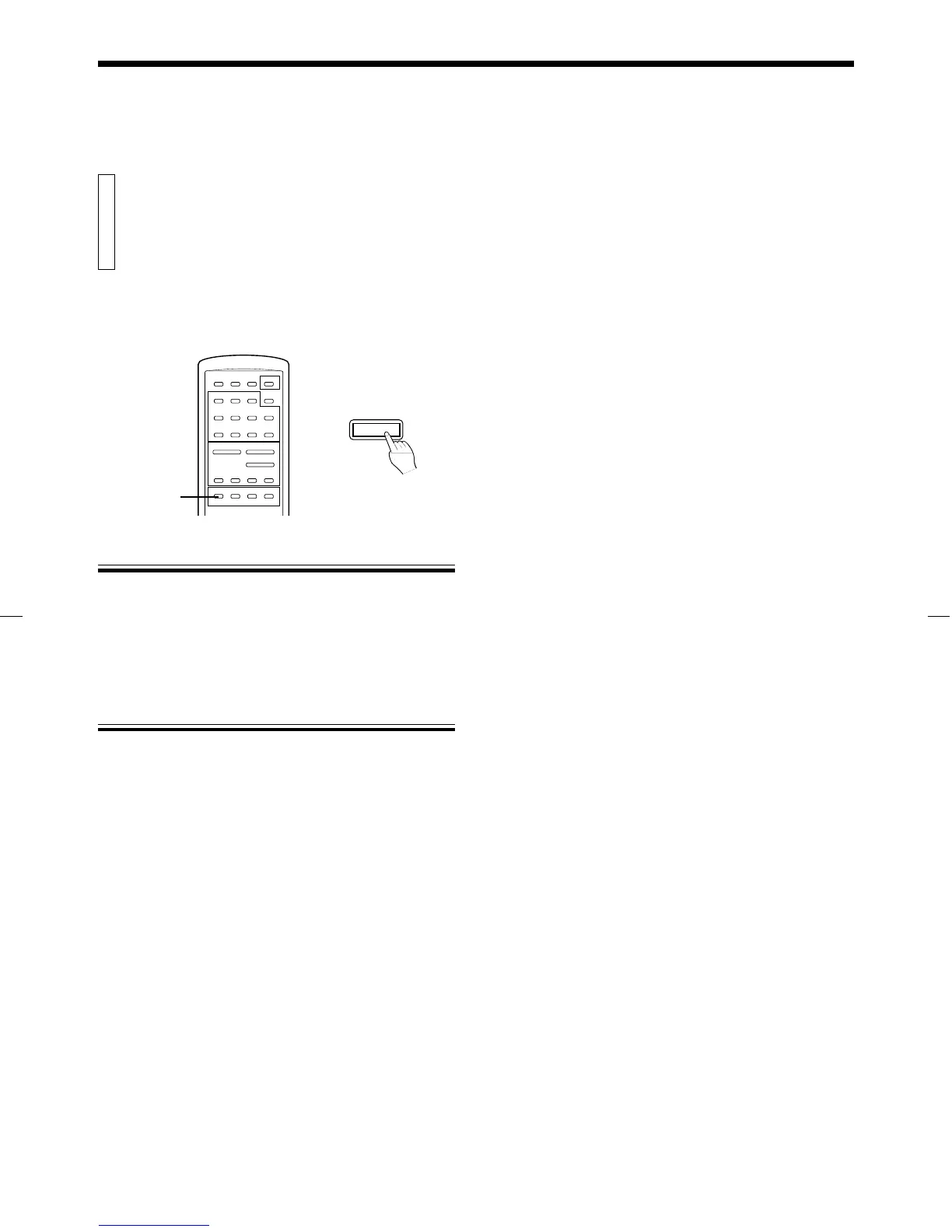
Press the REPEAT (ALL/1) button so that the REPEAT indicator
lights on the display.
All tracks are played repeatedly.
Repeating one track
Press the REPEAT (ALL/1) button so that the REPEAT 1 indicator
lights on the display.
The displayed track is played repeatedly.
To cancel repeat mode
Press the REPEAT (ALL/1) button so that the REPEAT and REPEAT 1
indicators go out.
REPEAT ALL/1
main unit
REPEAT
XL-V130BK [BS] EN 97.3.7, 4:12 PM11


 To Next Page
 Loading...