23
1
Slide the remote control
mode selector to
RECEIVER.
2 Press DISPLAY repeatedly.
• Each time you press DISPLAY, the display
toggles between the current source (DVD,
FM, AM, AUX-DIGITAL or AUX) and the
clock.
1 Slide the remote control
mode selector to DVD.
2 Press DISPLAY repeatedly
during playback.
• Each time you press DISPLAY, the display
changes.
* When text, such as a file name, has been recorded in
the loaded MP3/WMA disc, the text appears and scrolls
in the display window on the DVD player.
■ ASF/DivX/MPEG1/MPEG2 disc
7 When a disc is played back
1 Slide the remote control
mode selector to DVD.
2 Use the number buttons to
select the chapter number or
track number.
• Refer to “Using the number buttons”
(A page 15).
NOTE
• You cannot use this function for some discs.
7 When a disc is played back
1 Slide the remote control
mode selector to DVD.
2 Press 7.
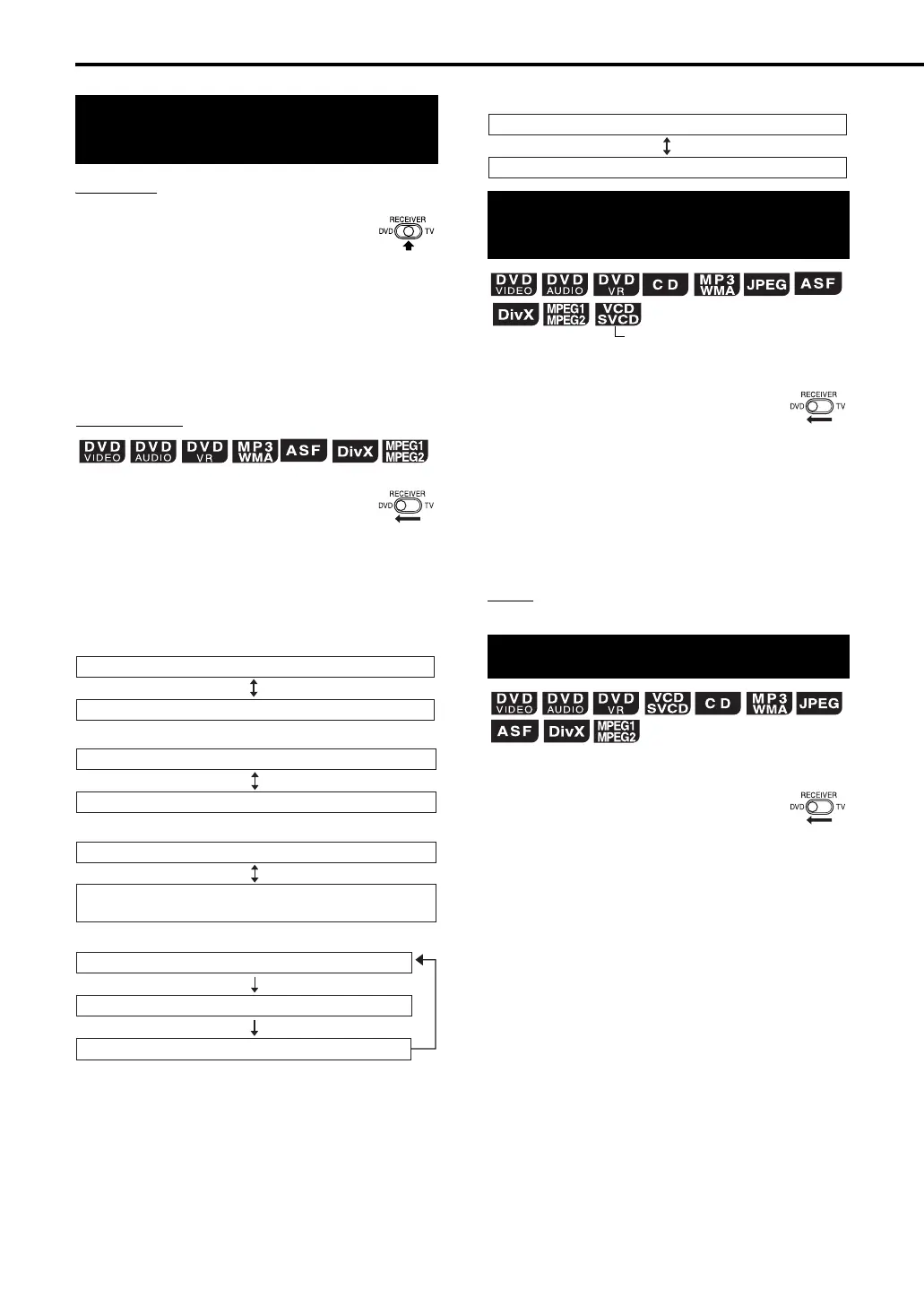
Changing the display in
the display window
DVD player
Receiver
7 DVD VIDEO
Normal display (as shown on page 21)
Disc type/title number/chapter number
7 DVD AUDIO
Normal display (as shown on page 21)
Disc type/group number/track number
7 DVD VR
Normal display (as shown on page 21)
Disc type/original program (play list) number/
chapter number
7 MP3/WMA disc
Normal display (as shown on page 22)
File type/group number/track number
Text*
Selecting a chapter/track
using the number buttons
Stopping playback
Normal display (as shown on page 22)
File type/group number/track number
(PBC off)
Basic operations of the DVD player (continued)
EXA10[A_Ux]-04.fm Page 23 Thursday, September 1, 2005 10:56 AM



 To Next Page
 Loading...