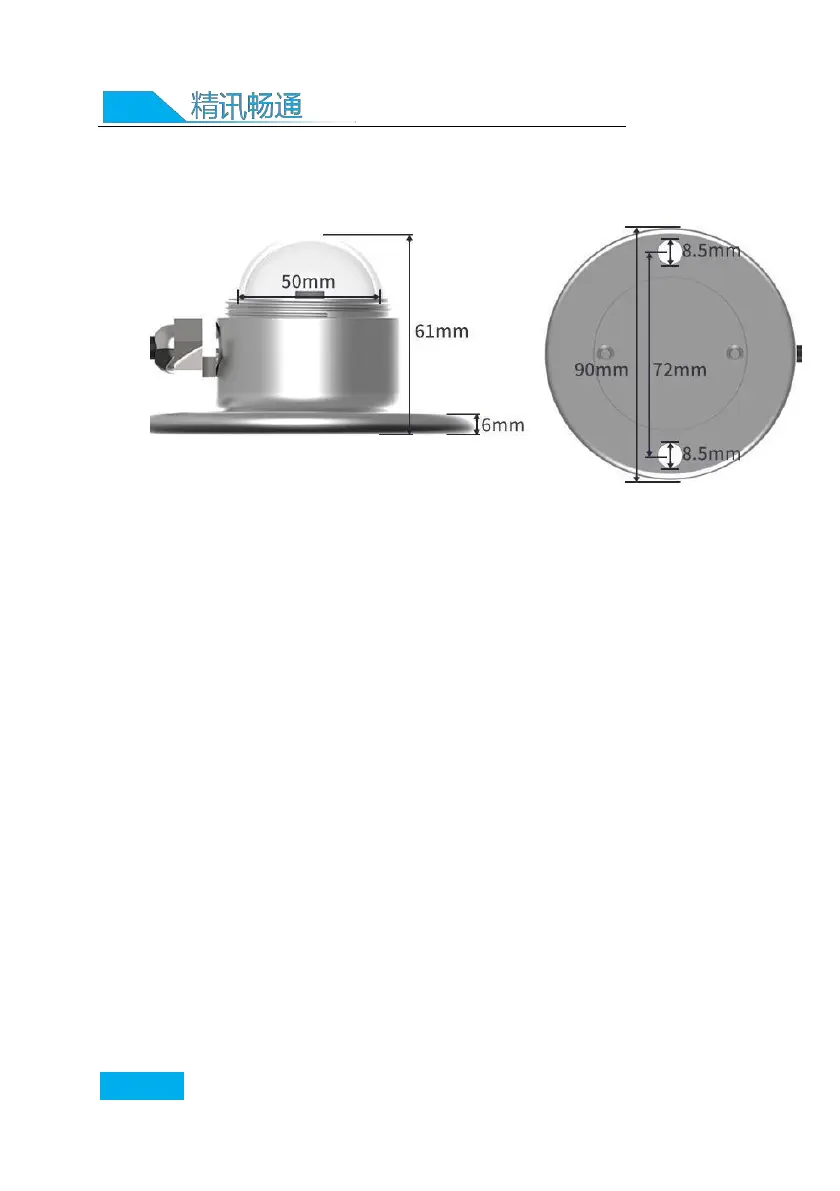
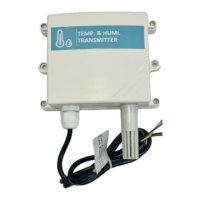
2.3 Product size and installation instructions
(1) Ensure that the mounting bracket is parallel to
the ground;
(2) Use M6 screws and nuts to fix the sensor on the
cross arm through the 2 mounting holes on the sensor;
(3) Please avoid disassembling the sensor during
installation.
(4) Please unscrew the protective cover above the
sensor when using it. In order to protect the sensor,
tighten the protective cover above the sensor when
it is not in use or during transportation.
Chapter 3 Configuration Software
Installation and Use


 To Next Page