12. ToUCh SCREEN fUNCTIoNS
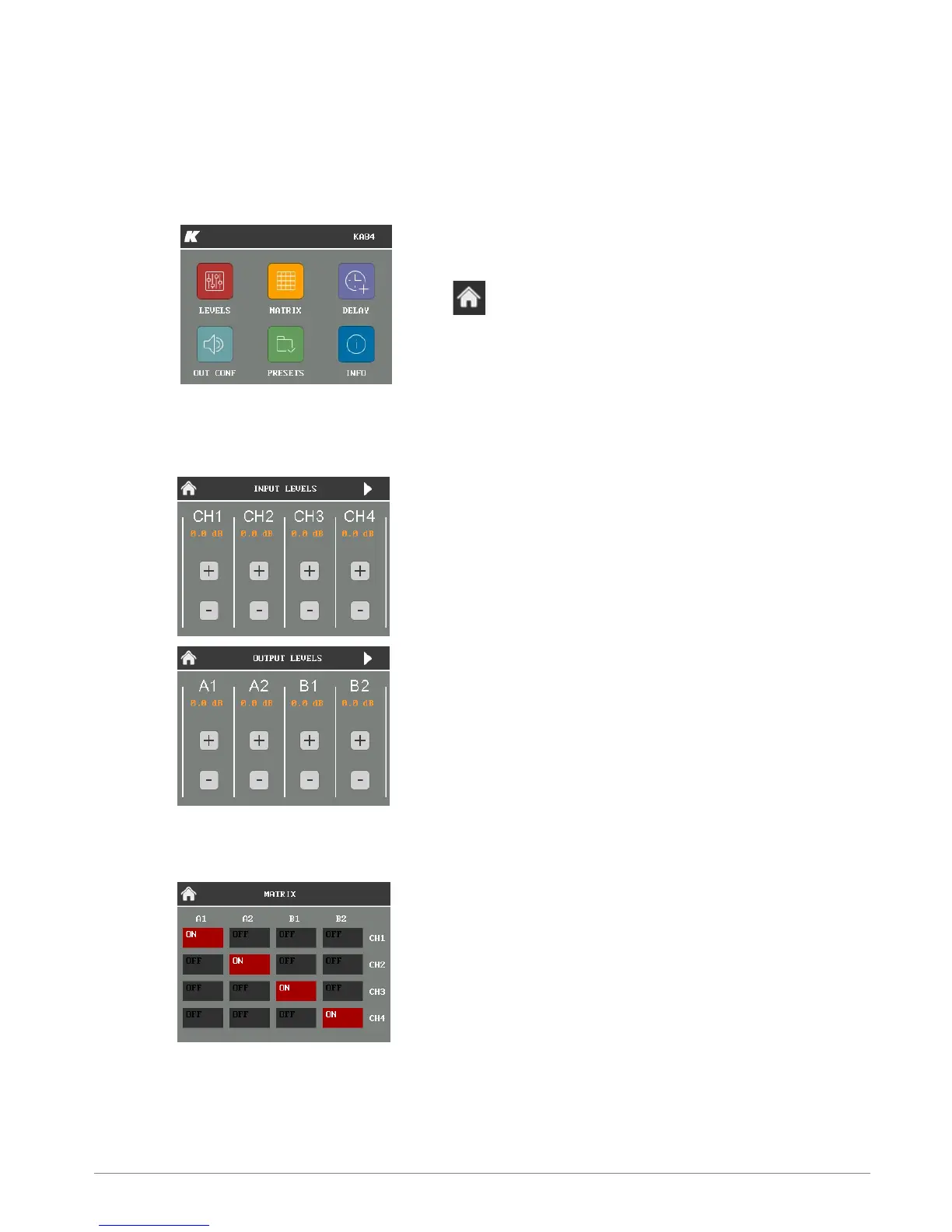
The main functions of the onboard DSP can be managed with the integrated touch screen. Functions are
grouped into six pages, shown as icons on the Home page.
To reach the Home page from any other page,
touch the Home button.
hoME PAGE
LEvELS
The Levels page allows users to independently manage
the amplitude of all the four input channels and all the
four output channels.
Click the arrow button on the top right corner to switch
between Input levels page and Output levels page.
MAT RIX
The Matrix page allow users to manage the routing of the
four input channels to the four output channels.



 To Next Page