Kommander-KA
User Guide
13
Remote Connectivity
establishing a local Wi-Fi network dedicated to remote control
the connectivity is printed as well.
server managing the addresses allocation: by default the
Kommander-KA unit is set to obtain a local IP address from the
DHCP server.
K-array Connect mobile app
K-array Connect is the mobile app that allows
to direct manage and control a Kommander-KA
Download the K-array Connect mobile APP from
the dedicated store of your mobile device.
The integrated operating system osKar features a complete
web user interface accessible over the network: connect to the
Kommander-KA02 I on a local network or wireless via its built-in
hot spot and access the web app with a web browser (Google
K-framework3
The K-array K-framework3 is the managing and
control software dedicated to professionals
and operators looking for a powerful tool for
designing and managing a large number of
units in demanding applications. Download the
K-framework3 software from K-array website.
K-framework3
WINDOWS and OSX software
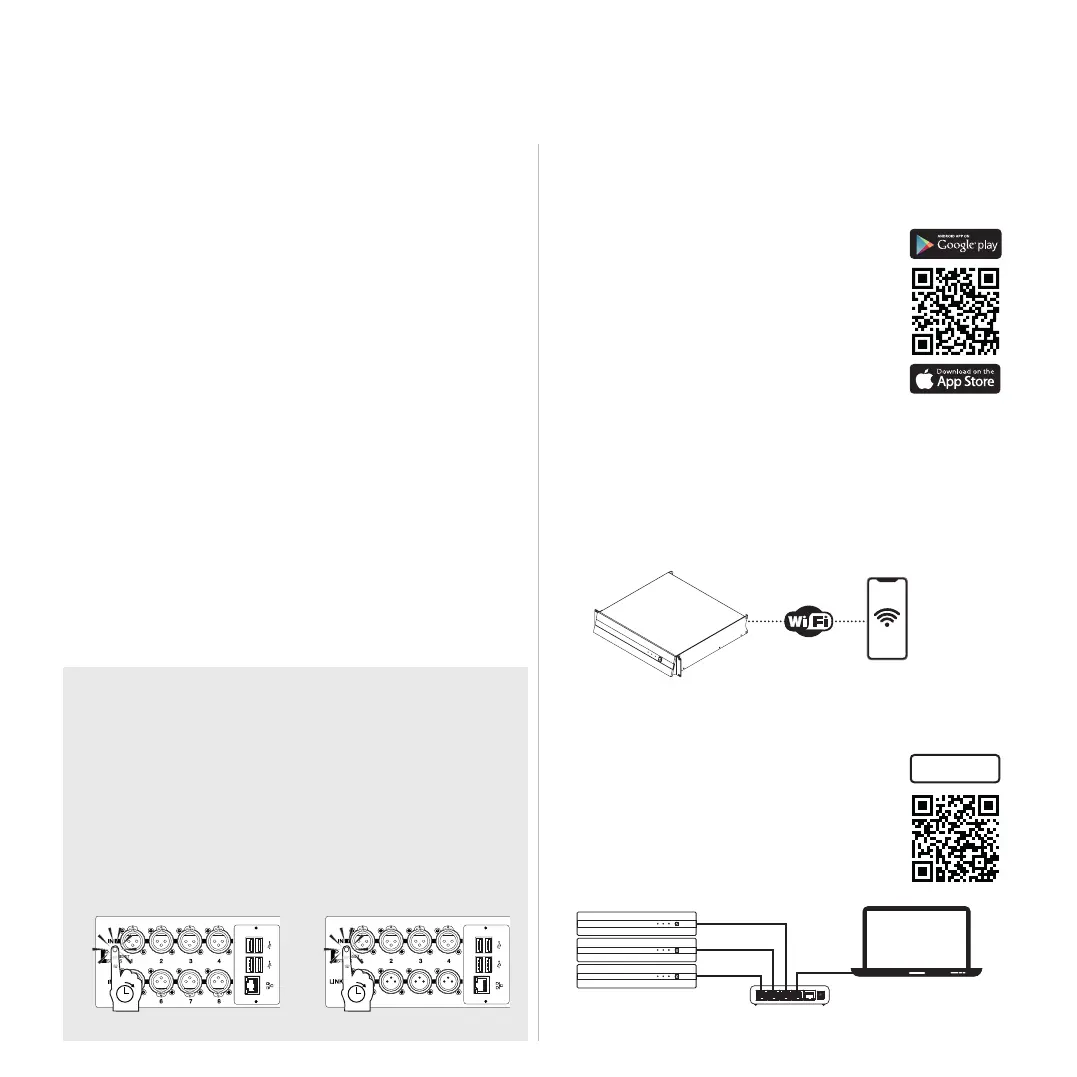
Connectivity Reset
on the rear panel for 10 to 15 seconds in order to:
• Revert the wired IP addressing to DHCP;
• Activate the built-in Wi-Fi and reset the wireless
pressed.
with DHCP server
PC or MAC
Kommander-KA
K-framework3
K
K
K
10s 10s



 To Next Page