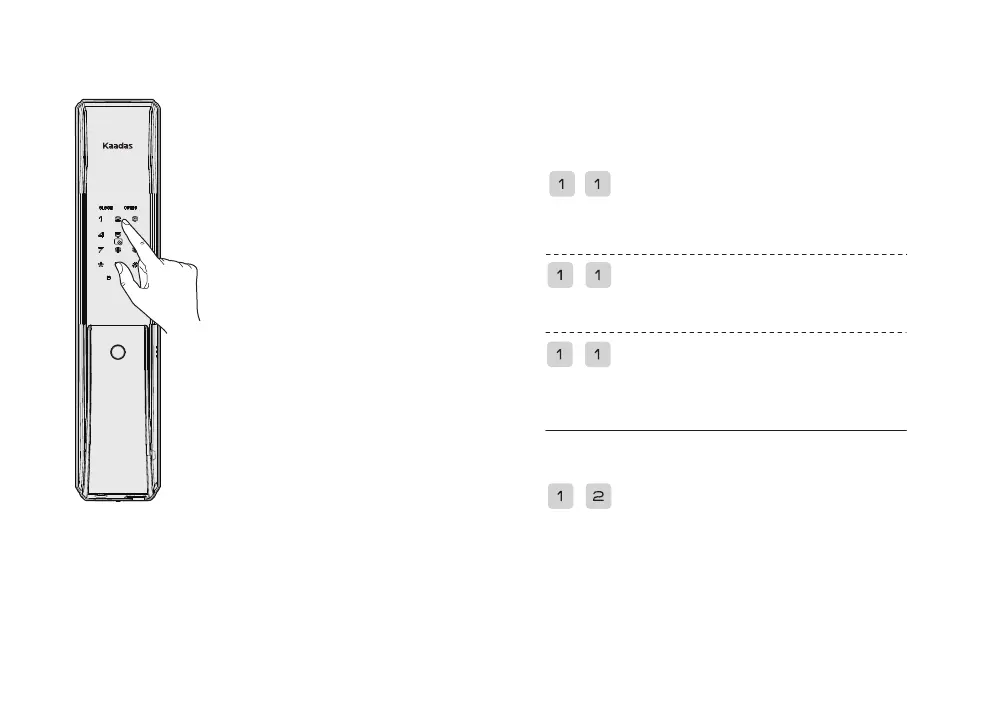
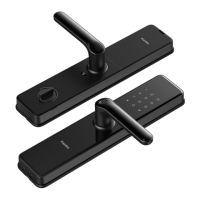
1.Touch the keypad area to wake
up the keypad.
2.Press * twice and enter the
master PIN code with # key to
confirm.
3.Voice prompt: master mode.
Note:
If the Master Pin Code is the initial
password, You need to modify the
Master Pin Code before you can
execute other operations.
• Access into master mode
• User setting
Enroll user
• Add a temporary User(OTP)
In Master mode
In Master mode
When enroll user, the lock automatically recognizes and adds a
password, fingerprint, card, the user directly
add the corresponding key.
Press 1 to go to user Settings, press 1 again to go to Add user
fingerprint, and Enroll new fingerprint, Until a voice prompt:
“Enrollment succeeded.”
Press 1 to enter user Settings, press 1 again to enter add User card,
and enter new User card, voice prompt: “Enrollment succeeded.”
Press 1 to enter user Settings, press 1 to enter Add password, and
enter password again and press # to confirm. Voice prompt:
Enrollment succeeded.
Press 1 to enter user Settings, press 2 to enter Add temporary
password, and enter temporary password again and press # to
confirm. Voice prompt: Enrollment succeeded.


 To Next Page