
 Need help?
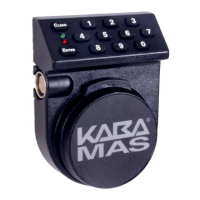
Do you have a question about the Kaba Mas AUDITCON 100 series and is the answer not in the manual?
Details storage differences and user limitations across lock models.
Outlines the two main modes (Independent, Supervisory/Subordinate) and access modes (Single/Dual User).
Defines the four user types: Master User, Access User, Supervisor, and Subordinate User.
Step-by-step guide to opening the lock with the default factory PIN.
Explains operational variations based on power, spindle, and bolt technology.
Instructions for setting or changing the Super Master User PIN.
Steps to modify the Super Master User PIN while the lock is in shelved mode.
Guide to setting or changing the Master User PIN.
How to configure lock operating mode and assign an identification number.
Configuration of time delays before lock opening.
Procedure to add new supervisors or users to the lock.
Steps to remove existing supervisors or users from the lock.
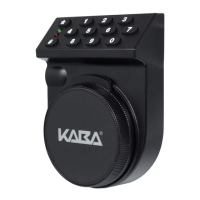

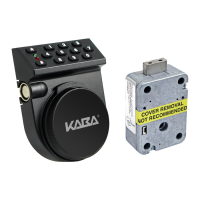


 To Next Page
 General