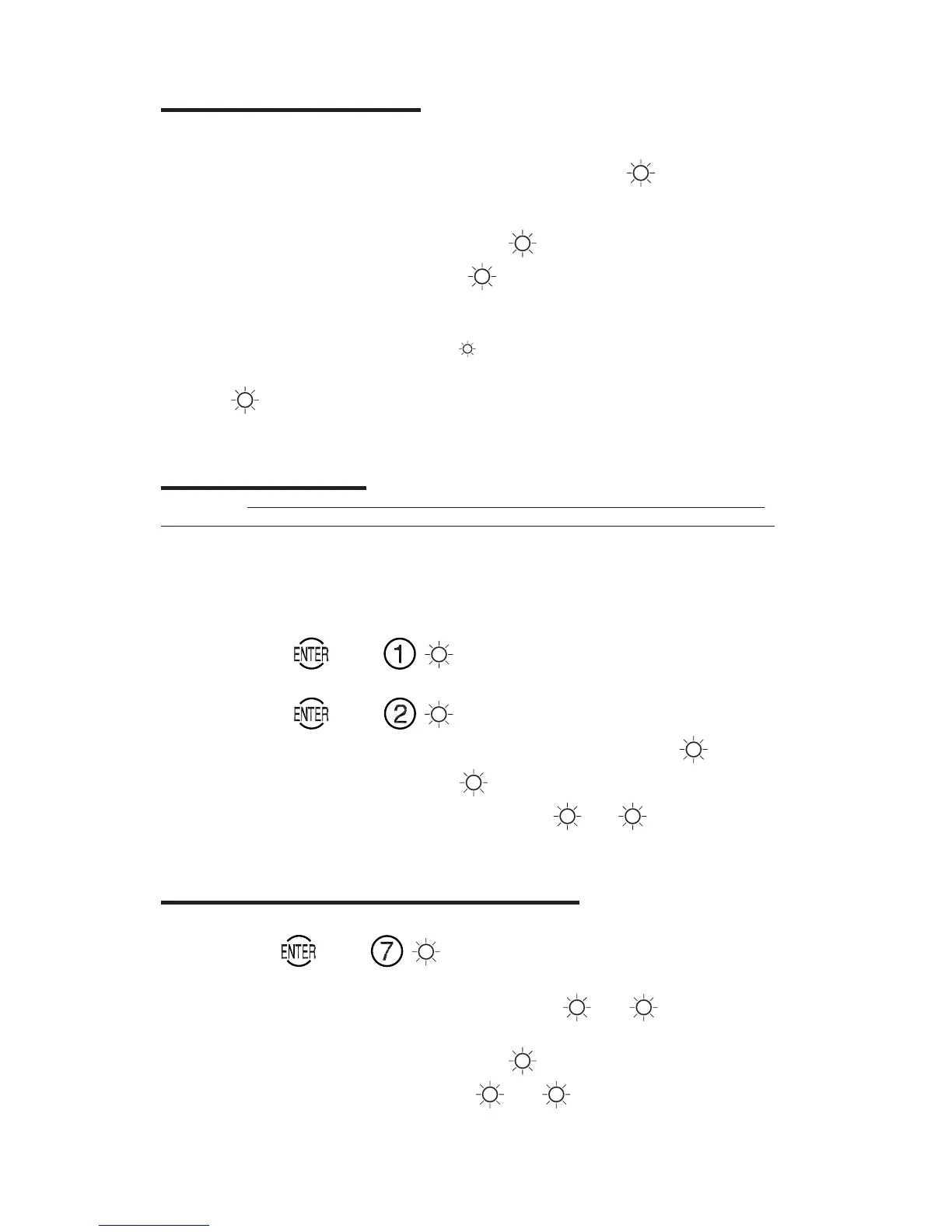
OPEN/CLOSE THE CONTAINER
1. • For Single Mode
EE
EE
E
(Factory combination is “50 25 50”.)
Enter Manager User (User 1) or User 2 combination.
G
88
88
8
• For Dual Custody Mode
EE
EE
E
EE
EE
E
Enter User 1 or User 2 combination.
88
88
8
Enter the second combination.
G
88
88
8
Wrong Try Penalty: 5 wrong tries =
3 min. lockout
Each additional wrong try = 3 min. lockout
Green flashes with beeps
G
88
88
8 will occur during the lockout.
2. Immediately rotate the container handle to retract bolt works before green
G
lights flash with beeps
88
88
8. Open the container door. To close and lock the
container, close the door and rotate the container handle back to locked position.
CHANGE COMBINATION
WARNING: Super Master Control will be permanently lost if you do not change
the default Super Master Combination prior to changing any User combinations.
See Super Master Operations sheet (P/N 388.105).
Caution: Before changing combination, open the container door to allow testing
with the new combination. Record new combination and store it in a secure
place.
1. • For User 1 (Manager User in Single Mode)
Press
. Press .
G
88
88
8
• For User 2
Press . Press .
G
88
88
8
2. Enter current combination. (Factory combination is “50 25 50”.)
G
88
88
8
3. Enter new six-digit combination.
G
88
88
8
4. Enter new combination again for verification.
G
88
88
8
G
88
88
8
5. Open the lock with the new combination before closing container.
CHANGE LOCK MODE (SINGLE / DUAL CUSTODY)
Note: Changing the lock mode will reset the combination(s) to “50 25 50”.
1. Press . Press .
G
88
88
8
2. • If changing from Single to Dual Custody Mode
Enter Manager User (User 1) combination.
G
88
88
8
G
88
88
8
• If changing from Dual Custody to Single Mode
Enter User 1 or User 2 combination.
88
88
8
Enter the second combination.
G
88
88
8
G
88
88
8




 To Next Page