EF680/EF780 Installation Guide
Completion and Testing.
Step 11
Insert the four batteries that are supplied with the lock -
message received is:
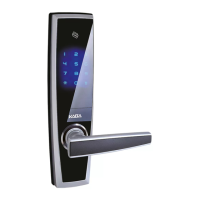
Moving into Kaba digital world,
secure & convenient life, standard access mode.
Once you have received this message you should hear the
clutch engage - this is only in the double locking model.
Note: Ensure you do not crimp the cables.
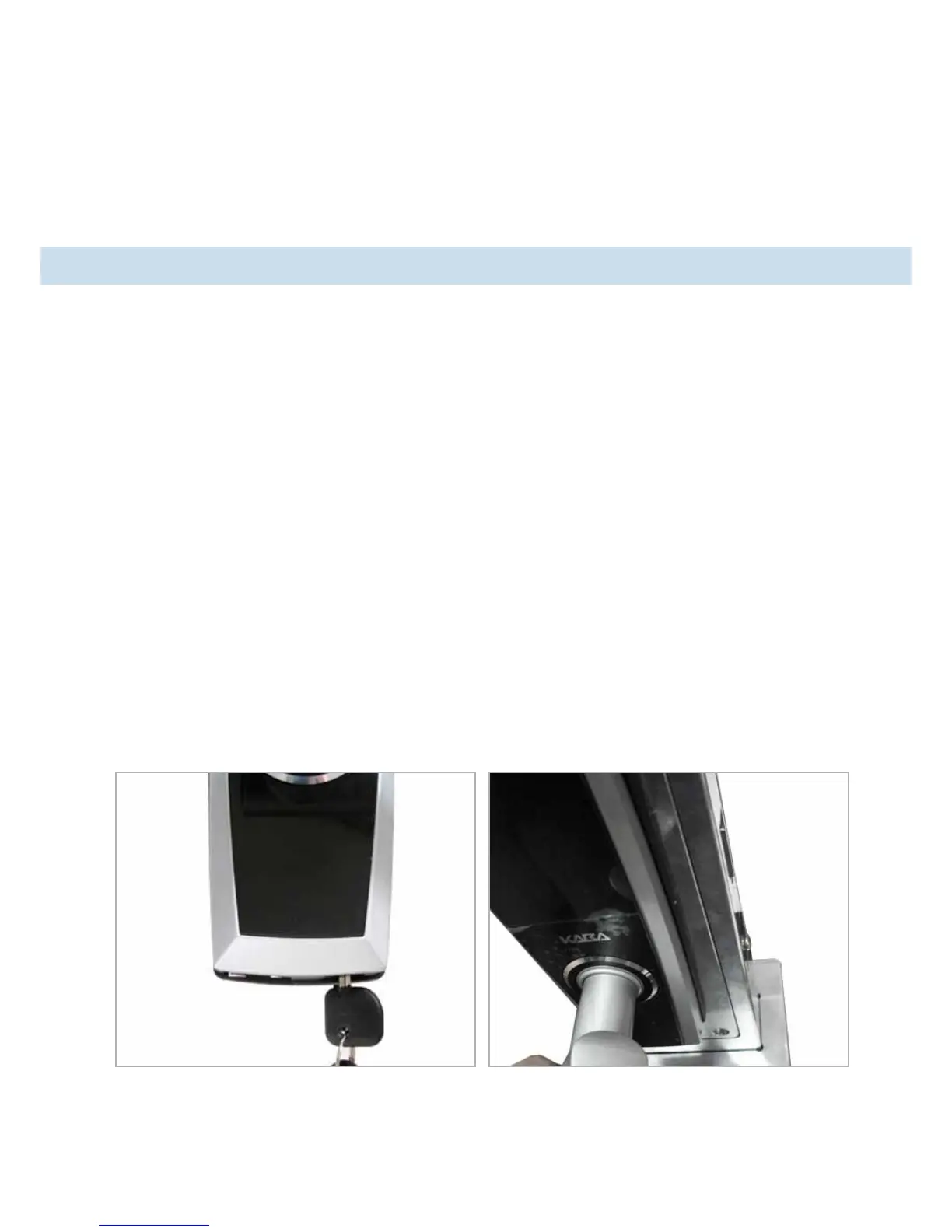
Note: If keys are left in the unlocked position (as shown
in picture) an error message will be received: “system is
not working normally”.
Follow the operation manual to instruct your customer as to the lock
conguration.
Please leave Operation Manual with your customer.



 To Next Page