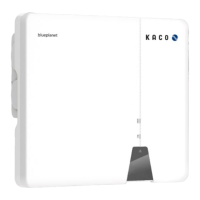
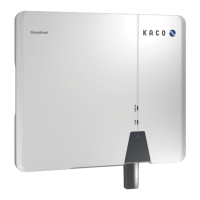
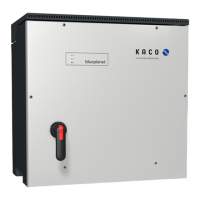
3 Description of the device
3.1 Mode of operation
The device converts the DC voltage generated by the PV modules into AC voltage and feeds it into the grid. The starting
procedure begins when there is sufficient sunlight and a specific minimum voltage is present in the device. The feed-in
process begins once the PV generator has passed the insulation test and the grid parameters are within the requirements
imposed by the grid operator for a specific monitoring time. If, as it gets dark, the voltage drops below the minimum
voltage value, feed-in mode ends and the device switches off.
3.2 Device diagram
Fig.3: Device diagram (M10 variant)
Fig.4: Device diagram (M8 variant)
Key
1 Housing 6 Heat sink housing
2 Cover 7 Interface / cable feed-through
3 Status indicator 8 USB socket
4 Pedestal with carrying handle 9 DC connection / DC isolator switch
5 AC connection 10 Fan drawer (left/right)
3.2.1 Mechanical components
DC isolator switch
5(M10) / 4(M8) DC isolator switches are located on the underside of the device. These are used to individually disconnect
four connected PV generator strings from the DC supply in the device in the event of servicing.
Disconnecting the device from the PV generator
F Switch the DC isolator switches from 1 (ON) to 0 (OFF).
Connecting the device to the PV generator
F Switch the DC isolator switches from 0 (OFF) to 1 (ON).
Fig.5: DC isolator switch
3.2.2 Electrical functions
A potential-free relay contact is integrated into the device. Use this contact for one of the following functions:
Potential-free relay
The potential-free relay contact closes as soon as there is a fault during operation. You use this function, for example, to
signal a fault visually or acoustically.
3.2.3 Interfaces
You can configure the interfaces and the web server in the Settings menu. The device has the following interfaces for
communication and remote monitoring:
Manual Description of the device | 3
KACO blueplanet 100 NX3 KACO blueplanet 125 NX3 Page 9
EN



 To Next Page
 Loading...