EasyManua.ls Logo

Kaiweets HT206D - MAX;MIN Function; Backlight and Work Light Control; HOLD and NCV Functions

Kaiweets HT206D
27 pages
Print Icon
To Next Page IconTo Next Page
To Previous Page IconTo Previous Page
Loading...
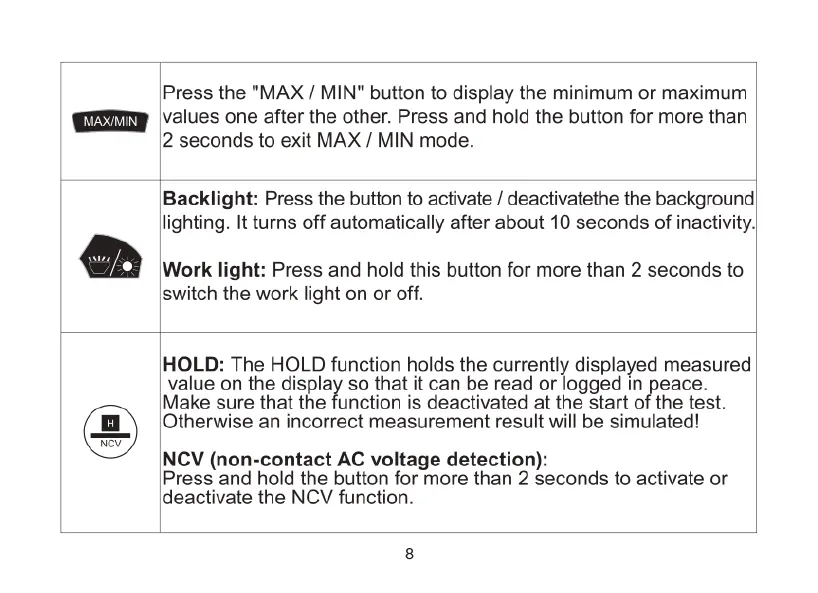
Press
the
"MAX
/
MIN"
button
to
display
the
minimum
or
maximum
values
one
after the
other.
Press
and
hold
the
button
for
more
than
2
seconds
to
exit
MAX
/
MIN
mode.
Backlight:
Press
the
button
to
activate
/
deactivatethe
the
background!
lighting.
It
turns
off
automatically
after
about
10
seconds
of
inactivity,|
Work
light:
Press
and
hold
this
button
for
more
than
2
seconds
to
switch
the
work
light
on
or
off.
HOLD:
The
HOLD
function holds
the
currently
displayed
measured
value
on the
display
so
that
it
can
be
read
or
logged
in
peace.
Make
sure
that the
function
is
deactivated
at
the
start
of
the
test.
Otherwise
an
incorrect
measurement
result
will
be
simulated!
NCV
(non-contact
AC
voltage
detection):
Press
and
hold
the
button
for
more
than
2
seconds
to
activate
or
deactivate
the
NCV
function.

Related product manuals