EasyManua.ls Logo

Kaiweets HT208A - Page 25

Kaiweets HT208A
32 pages
Print Icon
To Next Page IconTo Next Page
To Previous Page IconTo Previous Page
Loading...
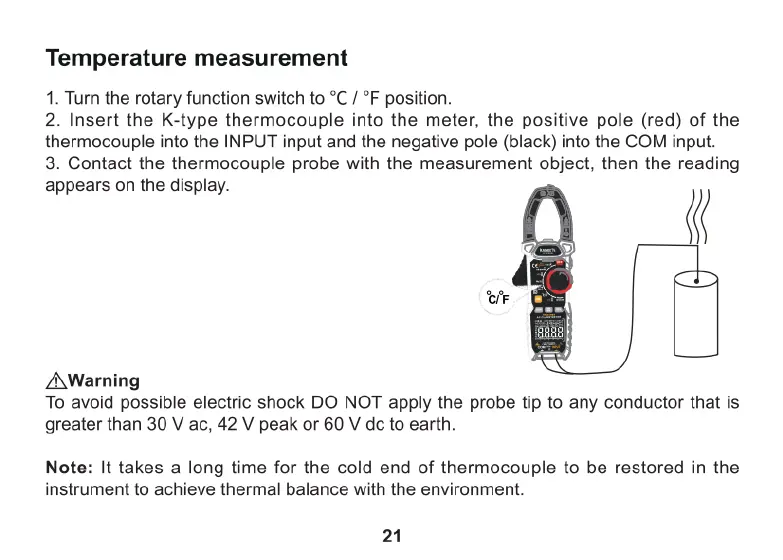
Temperature
measurement
1.
Turn
the
rotary
function
switch
to
°C
/
°F
position.
2.
Insert
the
K-type
thermocouple
into
the
meter,
the
positive
pole
(red)
of
the
thermocouple
into
the
INPUT
input
and
the
negative
pole
(black)
into
the
COM
input.
3.
Contact
the
thermocouple
probe
with
the
measurement
object,
then
the
reading
appears
on
the
display.
/A\Warning
To
avoid
possible
electric
shock
DO
NOT
apply
the
probe
tip
to
any
conductor
that
is
greater
than
30
V
ac,
42
V
peak
or
60
V
dc
to
earth.
Note:
It
takes
a
long
time
for
the
cold
end
of
thermocouple
to
be
restored
in
the
instrument
to
achieve
thermal
balance
with
the
environment.
21

Related product manuals