EasyManua.ls Logo

Kaiweets KM201 - Page 8

Kaiweets KM201
13 pages
Print Icon
To Next Page IconTo Next Page
To Previous Page IconTo Previous Page
Loading...
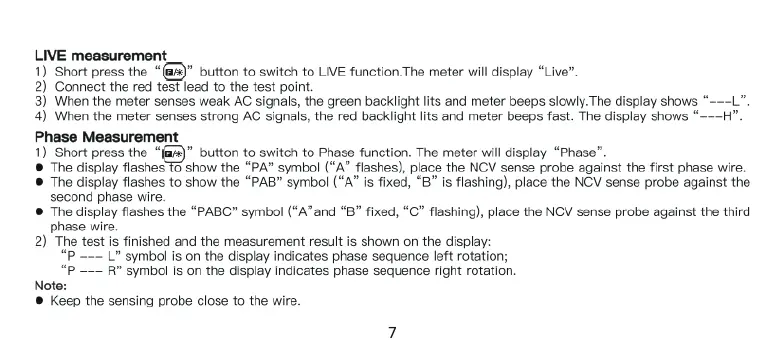
LIVE
measurement
1)
Short press
the
“@&)"
button
to
switch
to
LIVE
function.The
meter
will
display
“Live”.
2)
Connect
the
red
tst
lead
to
the
test
point
3)
When
the
meter senses
weak
AC
signals,
the
green
backlight
lits
and
meter
beeps
slowly.
The
display
shows
“~
4)
When
the
meter senses
strong
AC
signals,
the red
backlight
lits
and
meter
beeps
fast.
The
display
shows
“~
Phase
Measurement
1)
Short press
the
@
button
to
switch
to
Phase
function.
The
meter
will
display
“Phase”.
®
The
display
flashes
To
show
the
“PA”
symbol
(“A”
flashes),
place
the
NCV
sense probe
against
the
first
phase
wire.
@
The
display
flashes
to
show
the
“PAB”
symbol
(“A”
is
fixed,
“B”
Is
flashing),
place
the
NCV
sense probe
against
the
second
phase
wire.
@
The
display
flashes
the
“PABC”
symbol
(“A”and
“B”
fixed,
“C”
flashing),
place
the
NCV
sense
probe
against
the
third
phase
wire.
2)
The
test
is
finished
and
the
measurement
result
is
shown
on
the
display:
“P
———
L
symbol
s
on
the
display
indicates
phase
sequence
left
rotation;
R
symbol
is
on
the
display
indicates
phase
sequence
right
rotation
-
Note:
®
Keep
the
sensing
probe
close
to
the
wire.

Related product manuals