EasyManua.ls Logo

Kaixin BVT02 - Chapter Seven Work Main Interface; Work Main Interface; Title Information Region; Image and Data Region

Default Icon
34 pages
Print Icon
To Next Page IconTo Next Page
To Previous Page IconTo Previous Page
Loading...
 
>>
:# "
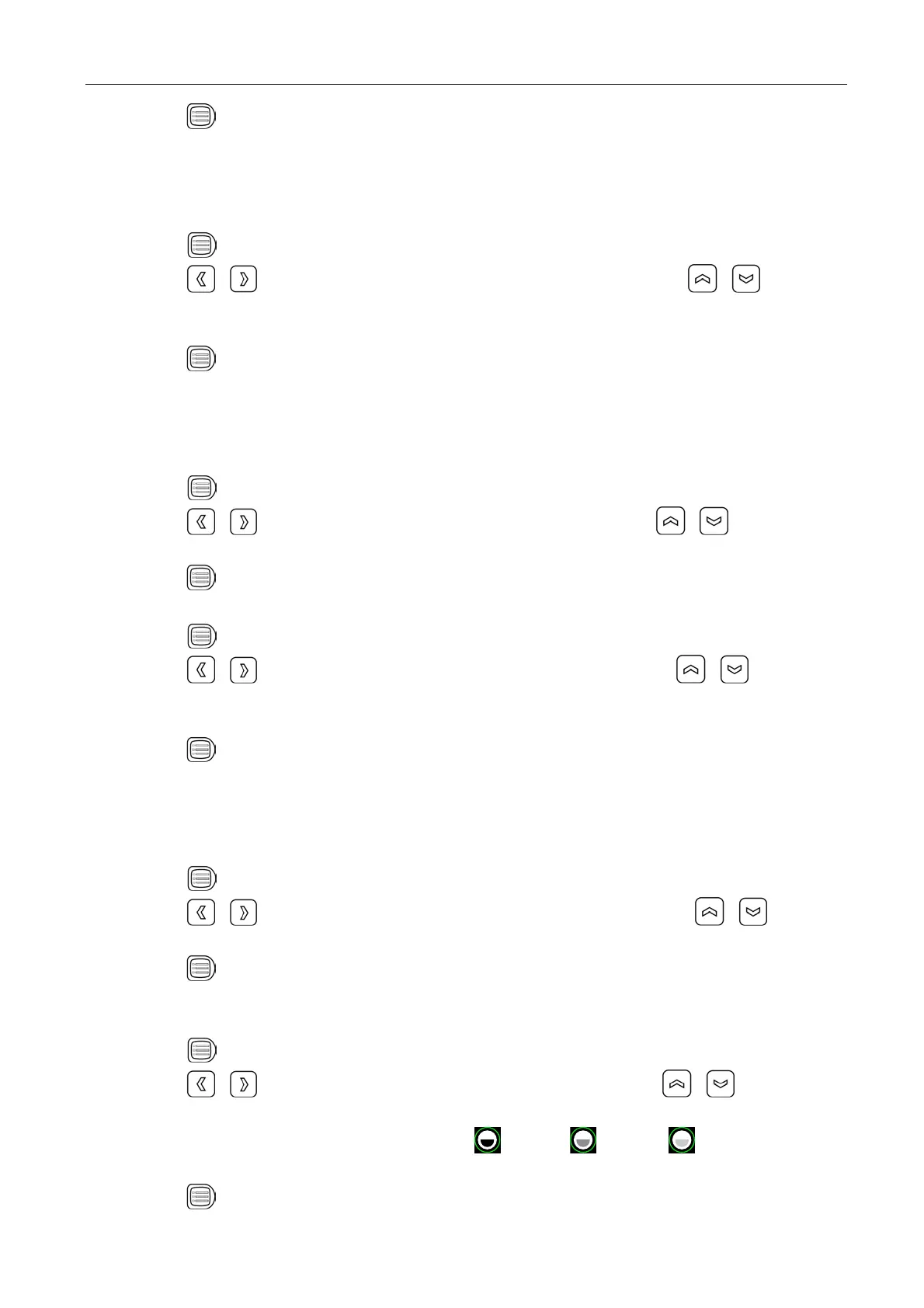
Note: For example, the probe time is set to 10 seconds; in real-time status, after the system
reaches 10 seconds, the probe will automatically start scanning bladder function. If set to
0, the probe does not automatically start scanning.
7.3.4 Screensaver setting
# J&&K7
#  J&K( +
 7
8&J>''K(JK7
:#
"
Note: Go beyond the system setting screensaver time without pressing any key, the machine will
automatically enter a black screen status. Press any key, the system will return to normal
operation status.
7.3.5 Chinese-English setting
# J&&K7
#  J3K( 
207
8# "
7.3.6 Alarm volume setting
# J&&K7
#  J6K( +
7+D7
8J>'''K45(87
:#
"
Note: When the measured bladder volume exceeds the set alarm volume, the machine will issue
continuous “Didi” alarm tone; if not exceeds the set volume value, the alarm tone will not
appear.
7.3.7 Mode setting
# J&&K7
#  JK(  
&37
8# "
Note: For more information on the Standard and Lite, see section 8.2 Operation processes.
7.3.8 Contrast setting
# J&&K7
#  J2K( 
7
8H
( 3$ (
7
:# "

Table of Contents

Related product manuals