EasyManua.ls Logo

Kaixin BVT02 - Chapter Ten Bladder Volume Measurement; Scanning and Positioning Bladder; Operation Processes

Default Icon
34 pages
Print Icon
To Next Page IconTo Next Page
To Previous Page IconTo Previous Page
Loading...
 
>E>
*#
3. Check probe after cleaning and disinfection
4524(
>57
45   $$    7          
$$((((
4. Clean the probe cable
452$(
451>($>
5. Clean the LCD screen
32?(>
6. Clean the control panel and shell
2$($$
($($
10.3 Use and maintenance for the rechargeable battery
;4HT3>''E5/-27
&
#?2$
$7
$
8:>D(>$7
D
Attention: Do not clean the screen with hydrocarbon detergent such as alcohol or OA
equipment cleaning media.
Attention: Prohibit using sharp objects to touch the LCD screen, and prohibit pressing
or squeezing against the LCD screen.
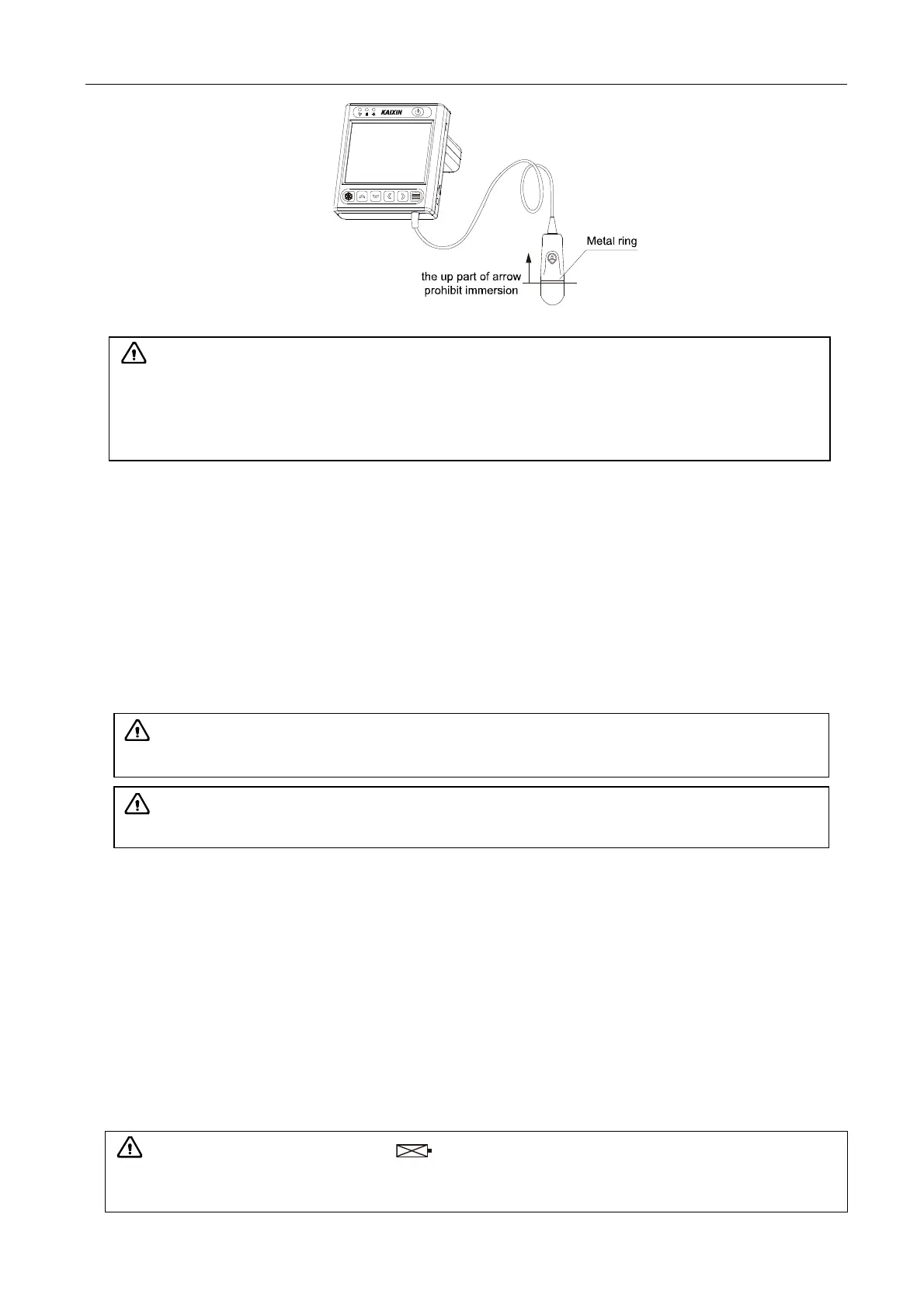
Attention:
1. It is a normal phenomenon that color of the acoustic lens may change and color of the
probe label may fade away.
2. The regular disinfection times should be minimized as it may lead to degrade of the probe
safety and performance.
Attention: A battery indicator will appear on the screen when the electric quantity
of battery is too low. Connect the main unit to external power supply and recharge the
battery, or turn off the machine to recharge.

Table of Contents

Related product manuals