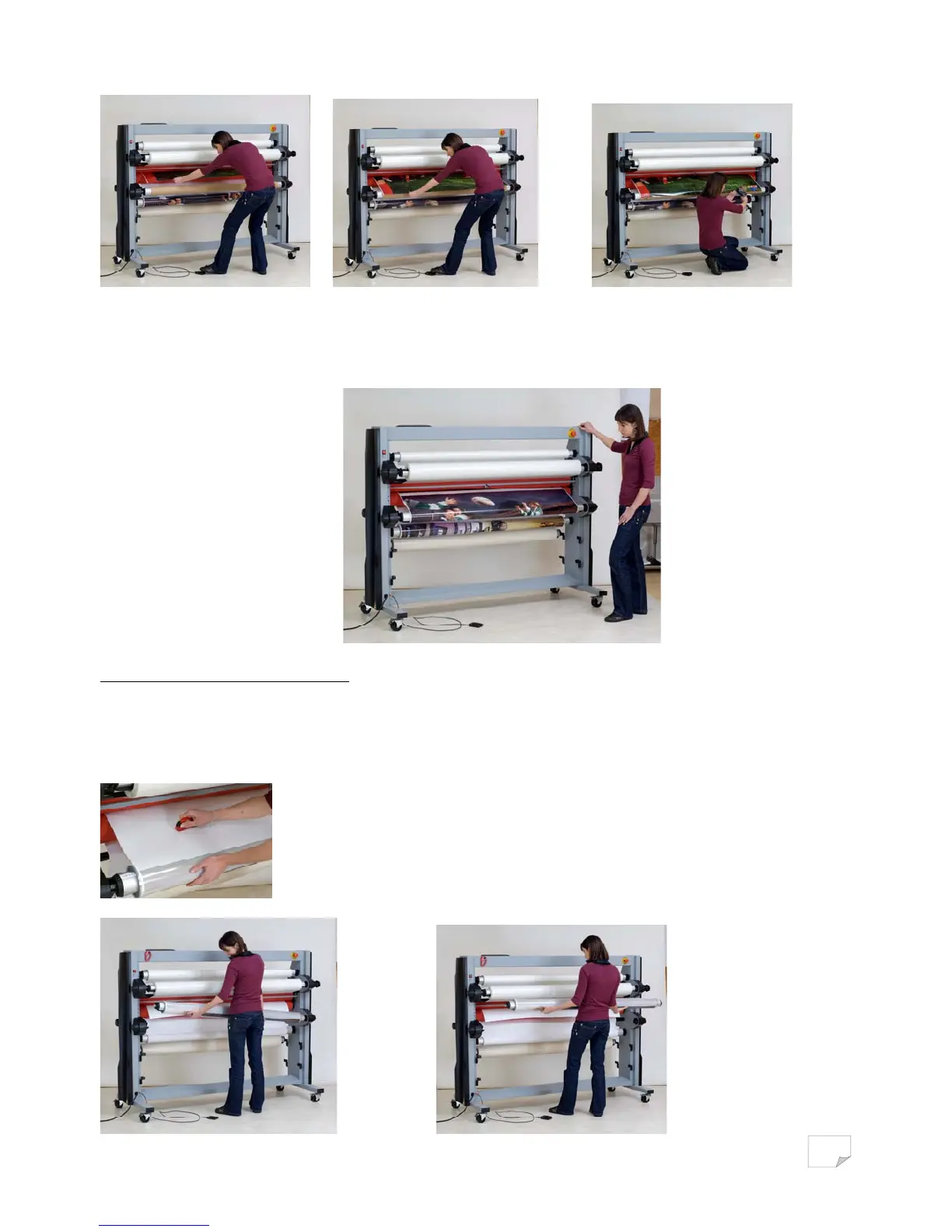
• Let the lamination go out of the machine to the rewinding shaft.
Tear on the laminated print and stick it onto the carton mandrel.
• The rest of the laminated print roll will be rewound in accordance with the selected speed.
The rewinding speed is linked to the lamination speed and the laminated prints will be
wound automatically on the mandrel.
Unloading the rewinding system
When the lamination is finished, stop the machine by pressing on the foot switch or the stop key on
the control board.
Cut the laminated print roll with the safety cutter and remove the shaft.


 To Next Page
 Loading...