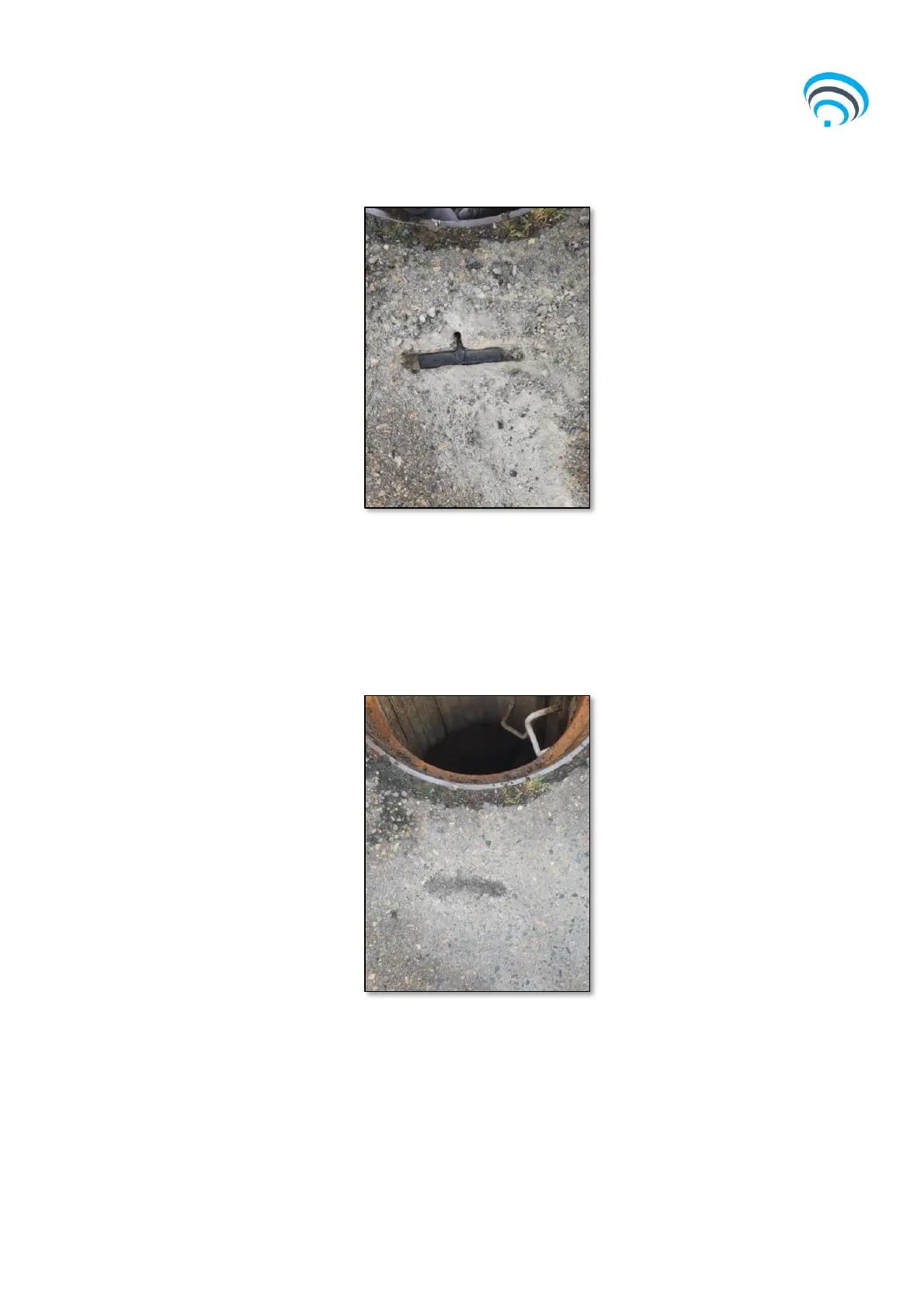
Figure 5: Reference for Antenna channel
6) Cover the antenna and remaining cavity with road base. Carefully compact the road
base and smoothen, taking care not to damage or apply force to the antenna. The
surface should be returned to the original condition.
a) Remove any debris.
Figure 6: Reference for Antenna (finished)
3.3.2 Step 2 – Install the Device and Sensor
1) Measure the MH depth with a tape measure, in line with the eyebolt, from the MH
rim to the invert of the pipe. Using the known pipe diameter, calculate 100mm
above the pipe inlet and determine which float switch will be required for installation
(e.g. 2m, 4m, 6m, 10m float lengths).



 To Next Page