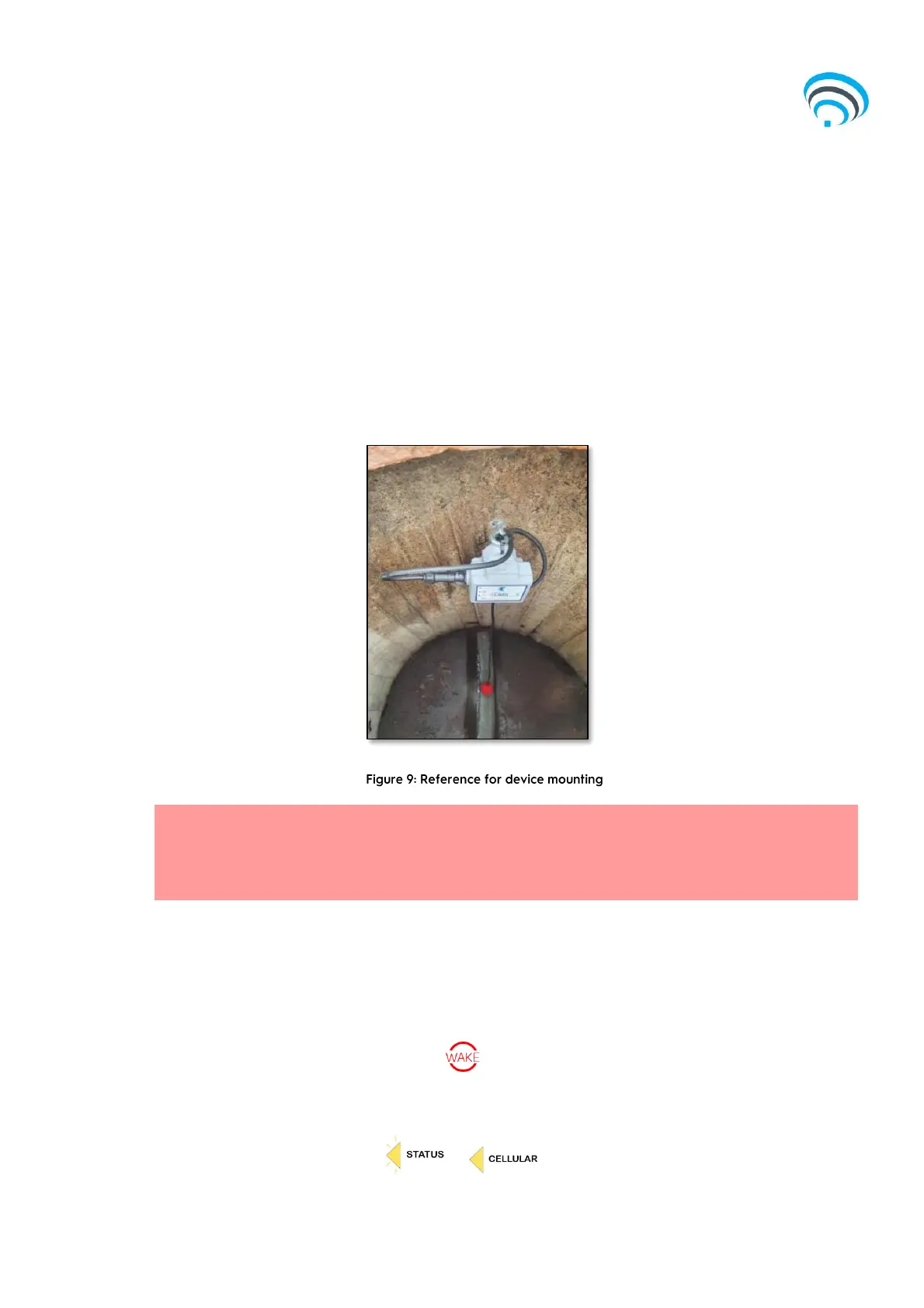
5) Use amalgamation tape to seal the connection point between the antenna and the
device and the float switch and the device.
6) Reseal the antenna hole with silicon, mastic or clay and ensure the cable and
antenna are reburied.
7) Use amalgamation tape to seal the connection point between the float and the
device.
8) Note: Avoid placing weight on the anchor point as the spring system can break
under pressure. The device can then be secured to the eyebolt.
3.3.3 Step 3 – Testing
Prior to completely closing the lid, flip the float switch multiple times and then wake the
device using the Use the magnet provided to ‘Wake’ the Captis device by holding it over the
symbol.
The status light should flash, followed by a solid cellular light.
Note: It is critical to ensure that the Amphenol Connector is appropriately connected (a click noise
will be heard on successful installation), and the float switch is slowly lowered into the pit to avoid
damage to the Amphenol Connector.



 To Next Page