User manual wM-Bus Dongle SW Tool
4
Software upgrade dongle
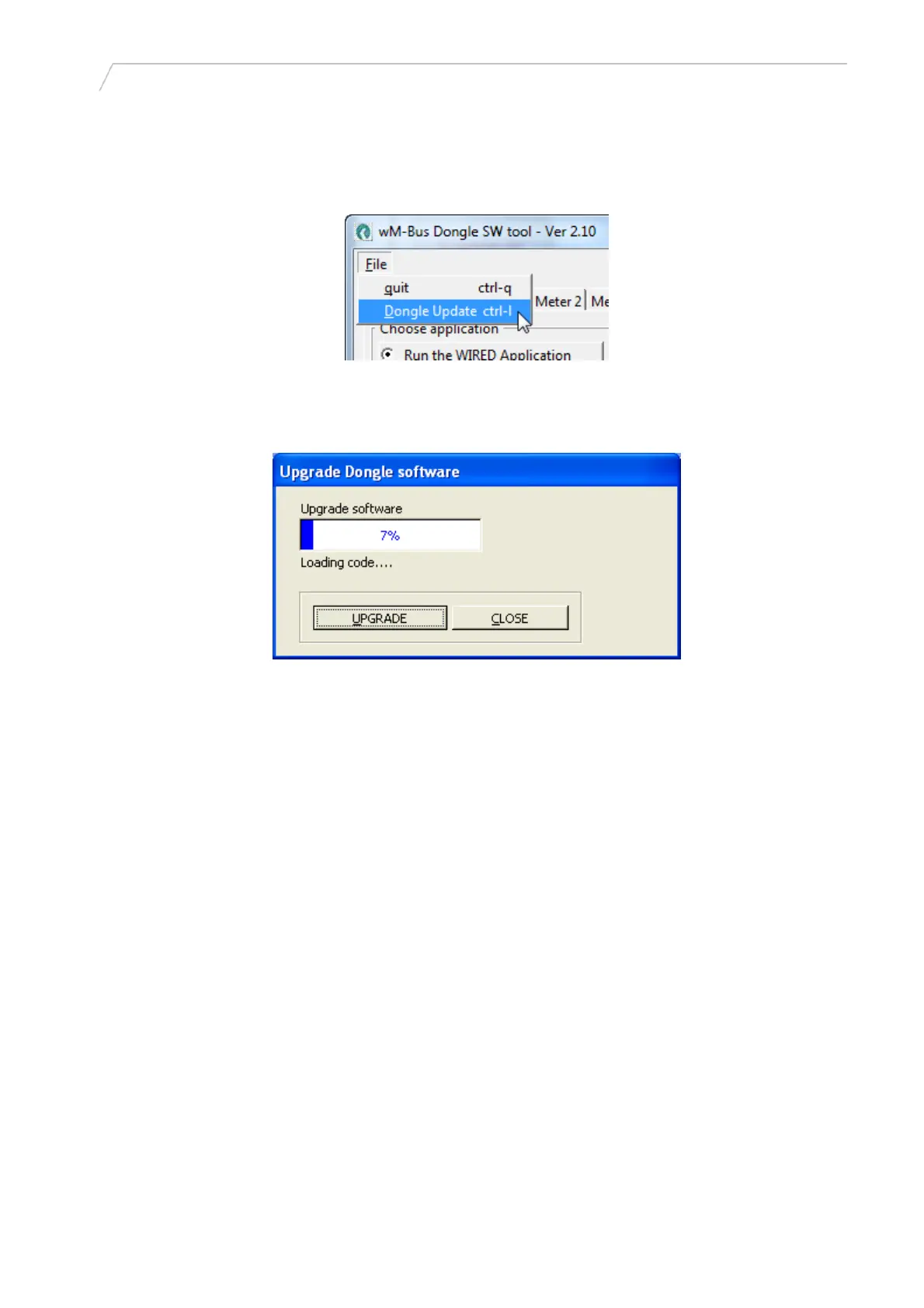
In the File menu, choose Dongle Update.
Figure 5
Click the [UPGRADE] button, and choose the *.bin file for the Dongle in the File menu. The upgrade
starts automatically, when selected.
5512-1057 GB / 12.2011 / A1
Figure 6
Do not stop the upgrade, when started. The upgrade only takes a few minutes.
When the upgrade is finished, click [Close] to close the Upgrade Dongle software dialog box.
9


 To Next Page
 Loading...