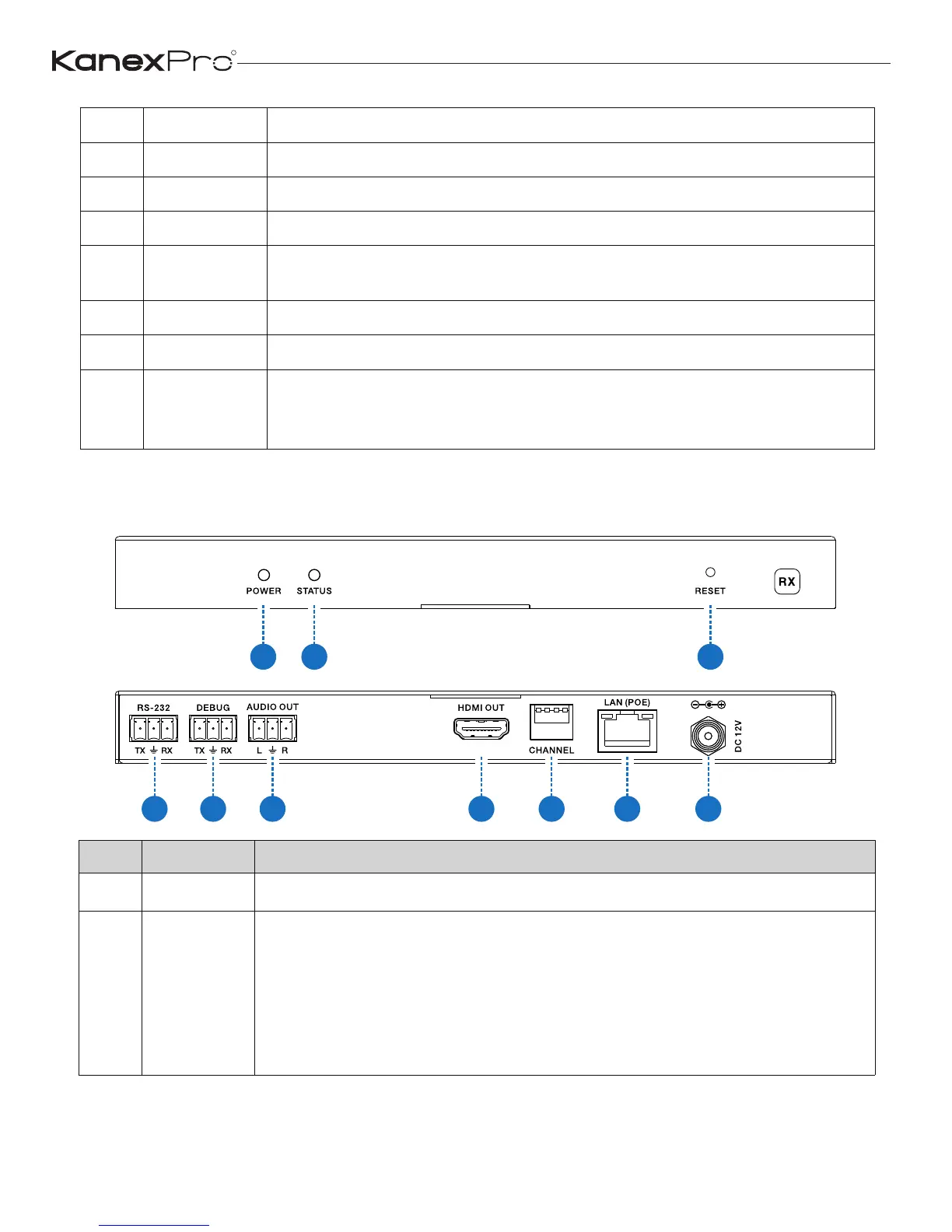
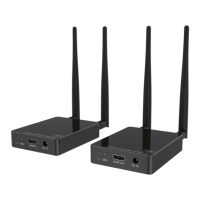
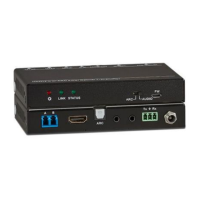
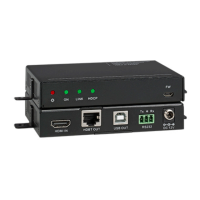
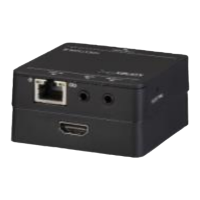
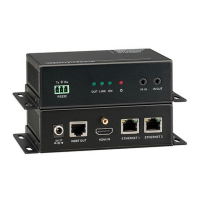
5 DEBUG System debug port
6 AUDIO OUT Analog stereo audio output
7 AUDIO IN Analog stereo audio input
8 HDMI IN HDMI input port, connect to HDMI source device
9 HDMI OUT
HDMI loop out (default video only no audio, you can enable
audio from Web GUI or API)
10 CHANNEL Reserved use
11 LAN(POE) Connects with Hub or router for sending data to Receiver.
12 DC 12V
Connects with 12V/1A power adapter supplied in the package
or doesn’t need this if an IP switcher/router/hub with POE feature
be connected.
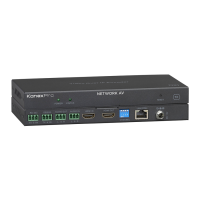
5.2 Receiver
1
2 3
4 5 6 7 8 9
10
Items Name Description
1 POWER System power status LED
2 STATUS
System working status LED
One second period flickering means product working normally.
Always on means system worked abnormally, this time you need
to reset product by pressing reset button on the front panel or
plugging power supply on the rear panel (you need plug CAT
cable if product is using POE for power supply).
R
7
EXT-NETAVRX_V1.0


 To Next Page