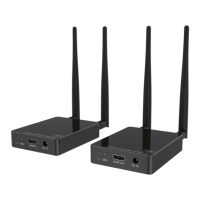
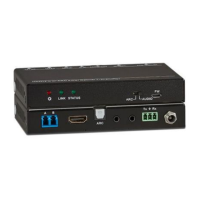
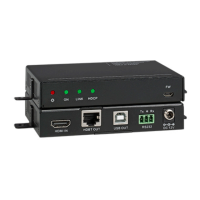
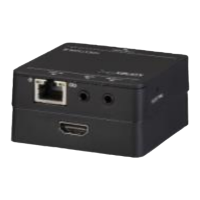
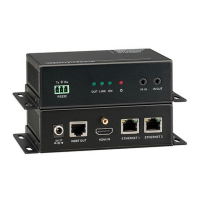
3 RESET
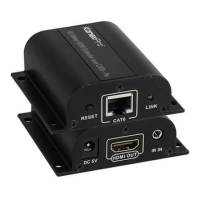
System reset button.
Short pressing (<5 seconds) will reset product.
Long pressing (over 5 seconds) will let product enter firmware
upgrade mode.
4 RS-232
Connect third-party control system to control this product utilizing
our API commands or control other devices be connected to our
products (including Senders and Receivers) via RS-232 port (this
is called RS-232 pass-through).
5 DEBUG System debug port
6 AUDIO OUT Analog stereo audio output
HDMI OUT7 HDMI output port, connect to HDMI display device
CHANNEL8 Reserved use
9 LAN(POE) Connects with Hub or router for receiving data to Sender.
10 DC 12V
Connects with 12V/1A power adapter supplied in the package
or doesn’t need this if an IP switcher/router/hub with POE feature
be connected.
R
8
EXT-NETAVRX_V1.0


 To Next Page