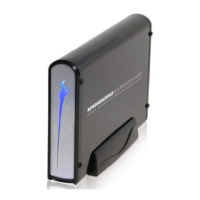
Kanguru QuickSilver
- 14 -
7. Troubleshooting
1. My computer is not detecting the drive, what should I do?
First, check to make sure that drive is powered on; the connections are
tight on both the drive and the computer. Try rebooting the computer and
trying it on a different computer if one is available. If you are still having
problems, please contact our Technical Support department at 508-376-
4245 x2.
2. Is it safe to remove the Kanguru QuickSilver when data is being
transferred to it?
No, removing the drive while a data transfer is taking place may result in
loss of data or damage to the Kanguru QuickSilver.
3. When transferring files that are larger than 4GB I get an error saying
the drive is full but I have enough space available, what should I do?
The Kanguru QuickSilver is preformatted to FAT32, which has a file size
limitation of 4GB. In order to copy files larger than 4GB to the drive you
will have to reformat the drive to NTFS.


 To Next Page