DN1726-0811
33
KT-400 Ethernet Four-Door Controller Installation Manual
Configuring the KT-400 Ethernet Four-Door Controller with the KT-Finder
The KT-Finder is an application used to configure the KT-400 over the local area network (LAN) or the wide area
network (WAN). It doesn’t require any installation.
Important: The KT-Finder application is:
• C:\Program Files\Kantech\Server_xE\Bin, or
• on the EntraPass CD-ROM, or
• available as a free download from http://www.kantech.com
1. Quit all EntraPass applications.
2. Make sure the KT-400 is in Factory Default DHCP mode. See Table 3 on page 29.
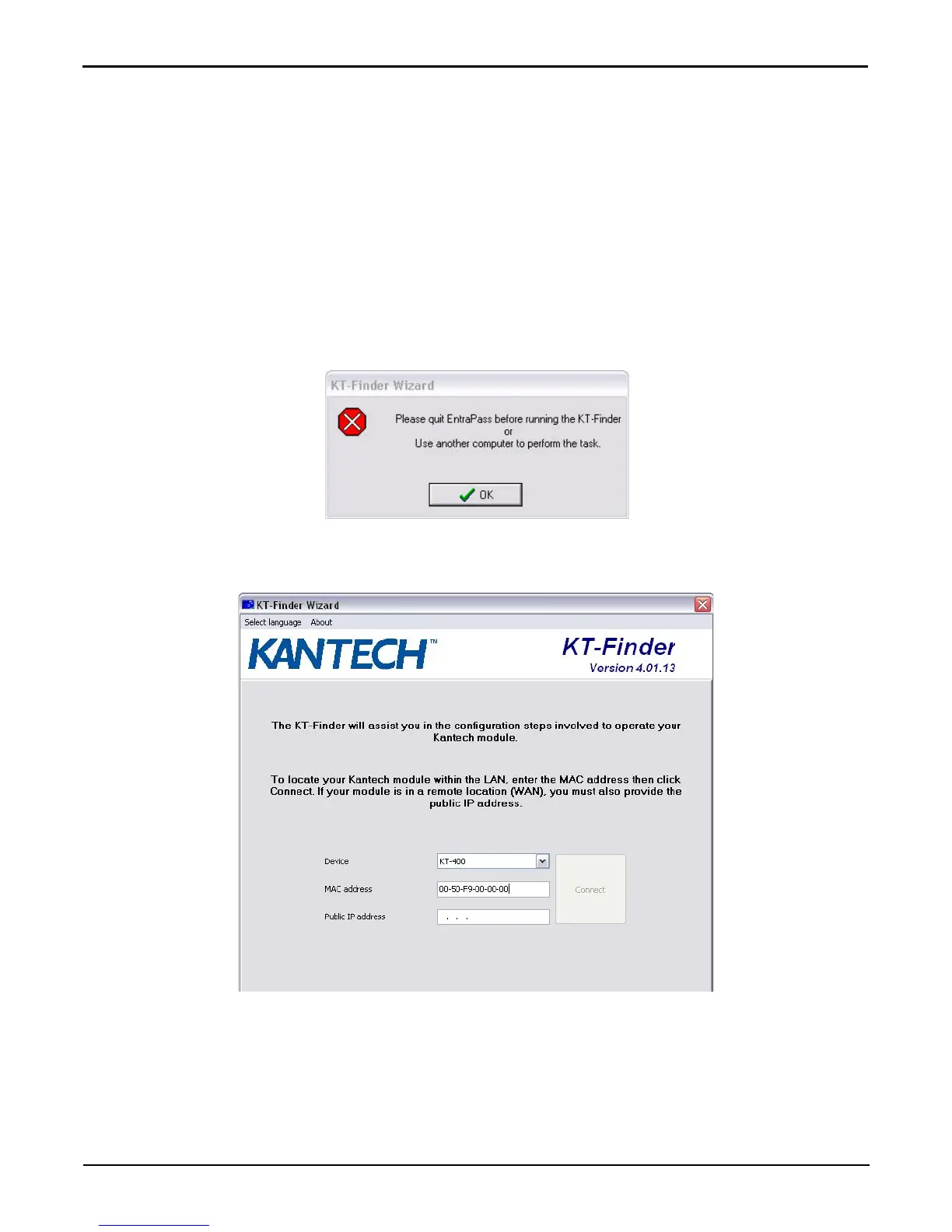
3. Start the KT-Finder.
Note: If you try to run the KT-Finder while running EntraPass, you will get an error message similar to this.
4. Select KT-400 from the Device menu.
5. Enter the MAC address of the KT-400 then click on Connect.
6. When the KT-400 is found, the configuration page will be displayed.



 To Next Page