16
Playback Mode (File Selected)
Playback Menu
Play Back
Menu Select Settings Remark
Delete Delete Current / Delete All
Allows you to delete either the
selected or all photos and video
stored on the inserted Micro SD
Card.
Protect
Lock Current / Unlock
Current / All Lock /
Unlock All
Allows you to lock or unlock the
selected, or all videos and photos
stored on the inserted Micro
SD Card.
Format Ok / Cancel
Format the inserted Micro SD
Card, deleting all photos, videos
and data.
Slide Show 2 Secs / 5 Secs / 8 Secs
Cycles through the photos and the
footage thumbnails, holding each
image for the set amount of time.
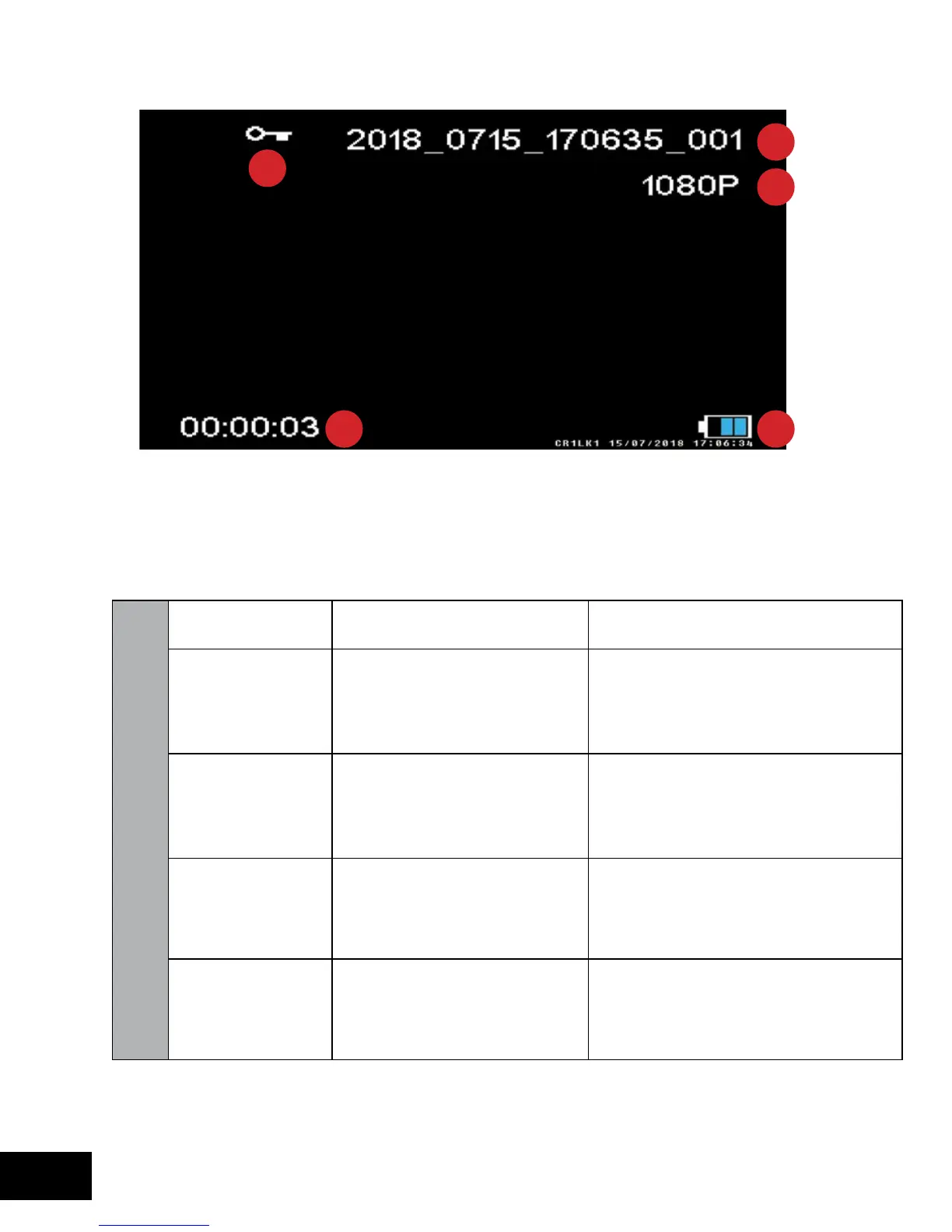
1. Locked File
2. File Name
3. File Resolution
4. Video duration
5. Power
3
4 5
1
2



 To Next Page