EasyManua.ls Logo

Karaoke USA DV102 - User Manual

Karaoke USA DV102
20 pages
Print Icon
To Next Page IconTo Next Page
Loading...
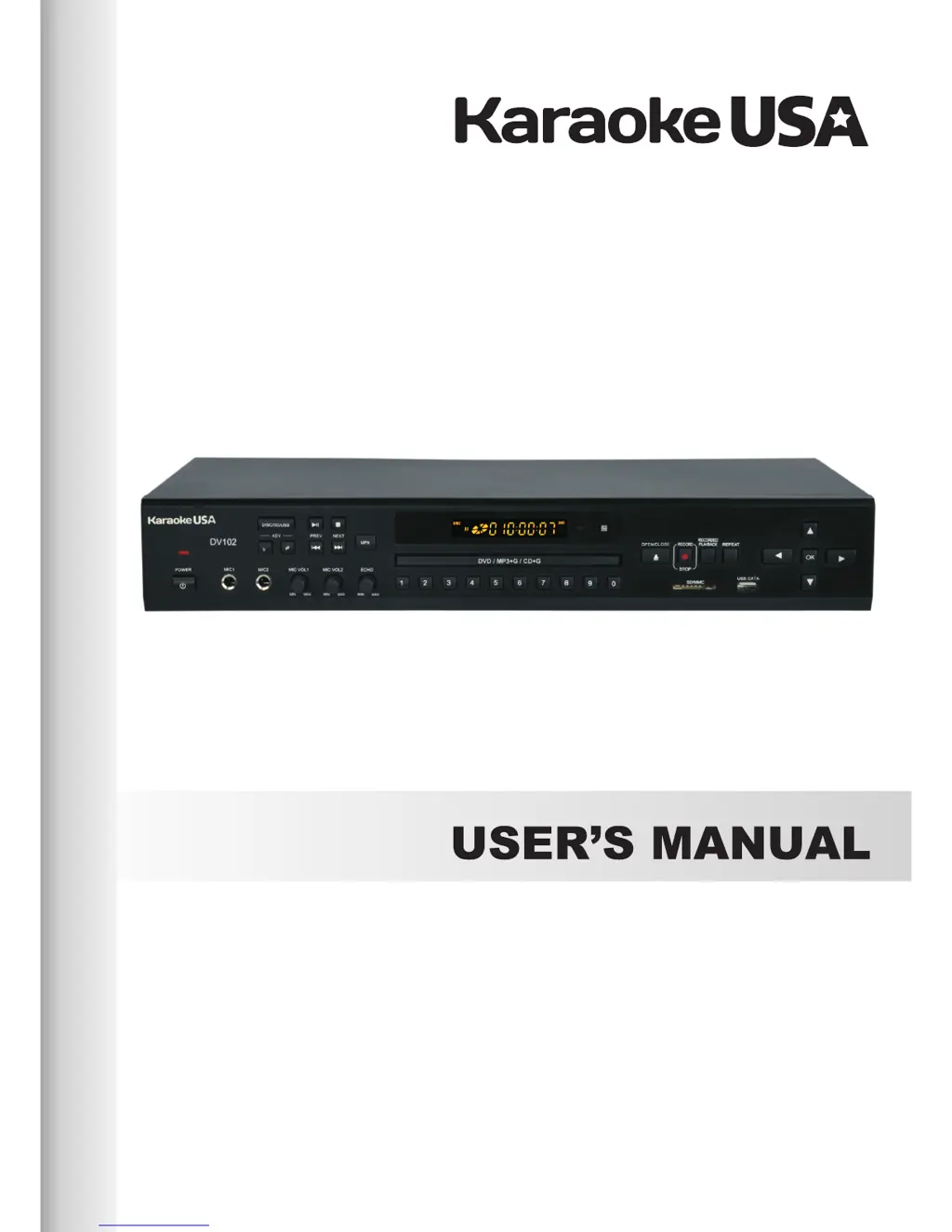
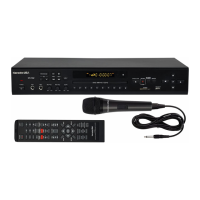
PROFESSIONAL KARAOKE PLAYER
Model : DV102
DVD/MP3+G/CD+G DIGITAL RECORDING
CONVERTING CD+G TO MP3+G WITHOUT COMPUTER
DIRECT ACCESS TO RECORDED SONG

Questions and Answers

Summary

Safety Precautions

Descriptions & Functions

Front Panel

Detailed overview of the buttons and indicators on the front panel of the karaoke player.

Remote Control

Explanation of the functions and buttons available on the remote control for operating the player.

Connections

Inserting USB or SD Card

Instructions for inserting USB flash drives and SD cards into the player for media playback.

Connecting to Audio and Video Component

Guidance on connecting the player to a TV or monitor for audio and video output.

Basic Operations

Karaoke Operations

Instructions for using microphones and performing karaoke with the player.

Advanced Operations

Recording

Instructions on how to record vocals and music using a USB or SD card.

Recording & MP3+G Functions

Others

Trouble Shooting

A guide to identify and resolve common problems encountered with the karaoke player.

Karaoke USA DV102 Specifications

General IconGeneral
Product TypeKaraoke System
Microphone Inputs2
Power SourceAC Adapter
Key ControlYes
Echo ControlYes
Built-in SpeakersYes
Disc PlaybackCD+G
Supported MediaCD, CD+G
OutputsRCA Audio
Power SupplyAC 100-240V
Included Microphones2 wired microphones

Related product manuals