
 Need help?
Do you have a question about the Karaoke USA GF829 and is the answer not in the manual?
Guidelines for preventing moisture damage and ensuring proper operating conditions.
Information regarding FCC rules, electrical shock prevention, and unit safety.
Controls on the left side for playback, navigation, and tone adjustment.
Controls on the right side for selection, recording, and remote signal reception.
Controls for power, mode selection (Disc, USB, SD, AUX), and headphone jack.
Controls for master volume, microphone volume, balance, echo, and tone.
Instructions for loading a disc, closing the CD door, powering on, and starting playback.
How to play MP3/MP3G music files from SD cards or USB drives.
How to play AVI movie files from SD cards or USB drives, including information display.
Steps for loading media, selecting songs, and starting/stopping vocal and music recording.
Resolving problems related to no picture, no sound, or distorted audio on the TV.
Troubleshooting 'Bad Disc' display and issues with the remote control not working.
Solutions for the unit not working, and guidance on SD card compatibility and insertion.
 General
| Brand | Karaoke USA |
|---|---|
| Model | GF829 |
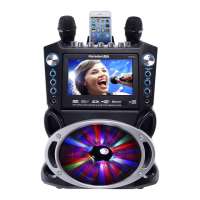
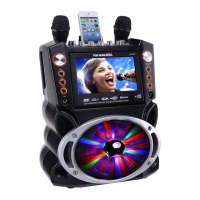
| Category | Karaoke System |
| Microphone Inputs | 2 |
| Connectivity | USB |
| Media Compatibility | CD, USB |
| Power Source | AC |
| Power Supply | AC 100-240V |
| Features | Echo control, key control |
| Outputs | RCA |
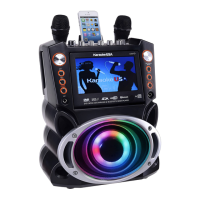
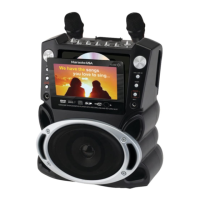
| Display | 7 inch color LCD |


 To Next Page