
 Need help?
Do you have a question about the Karaoke USA GF920 and is the answer not in the manual?
Guidance on handling condensation when moving the unit between environments.
Advises on operating conditions, airflow, and placement to avoid damage or hazards.
States compliance with FCC rules and operational conditions for interference.
Covers general safety guidelines for power adapters and rechargeable batteries.
Instructions for connecting external audio devices using a 3.5mm auxiliary cable.
How to connect and use RCA video/audio output to a TV for lyrics and video display.
Instructions for connecting audio output to a TV or stereo system.
Explains how to repeat a single track or all tracks.
Details on programming a sequence of tracks for playback.
Steps to record music from discs to USB.
Steps to record music from Bluetooth devices to USB.
Steps to record music from AUX input to USB.
Instructions on how to playback recorded files from USB.
 General
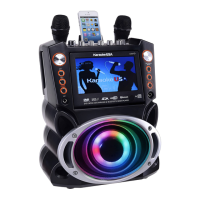
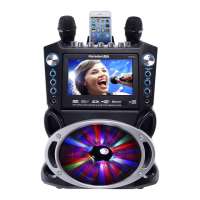
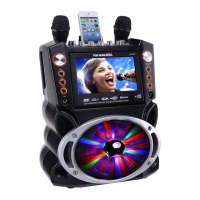
| Type | Karaoke System |
|---|---|
| Model | GF920 |
| Brand | Karaoke USA |
| Microphones | 2 |
| Microphone Type | Dynamic |
| Power Supply | AC 100-240V |
| Connectivity | USB, SD Card |
| USB | Yes |
| SD Card | Yes |
| Built-in Speakers | Yes |
| CD Player | Yes |
| Power Source | AC |
| Supported Formats | CDG, MP3G, MP3 |
| Display | 7" Color TFT LCD |


 To Next Page