
 Need help?
Do you have a question about the Karaoke USA GF840 and is the answer not in the manual?
Advice on handling the unit in humid or cold environments to prevent damage from condensation.
Guidelines for operating the unit safely, avoiding extreme conditions and ensuring proper airflow.
Important safety advice regarding power adapters, cords, and rechargeable batteries.
Instructions for reading the manual, keeping it, following directions, and proper product handling.
Guidelines for power cords, plugs, connections, grounding, and installation safety.
Instructions for connecting the karaoke player to a TV using RCA cables for lyric display.
Step-by-step guide on connecting the unit, loading a disc, and starting playback.
Steps for pairing a smart device via Bluetooth and playing music wirelessly.
Guide on preparing for recording, selecting sources, and performing the recording process.
Solutions for common problems related to power, microphone, TV connection, and disc playback.
Solutions for problems encountered with USB/SD card, AUX IN, and Bluetooth connections.
 General
| Brand | Karaoke USA |
|---|---|
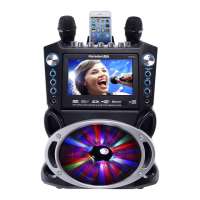
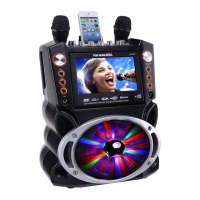
| Model | GF840 |
| Category | Karaoke System |
| Language | English |


 To Next Page