
 Need help?
Do you have a question about the Karaoke USA GQ740 and is the answer not in the manual?
Covers risks like electric shock, fire, hazardous radiation, and improper use.
Instructions on use, cleaning, ventilation, heat sources, plugs, cords, and servicing.
Compliance with FCC rules and other important usage advisories.
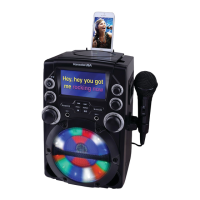
Lists main capabilities like CD player, controls, display, and connectivity.
Lists all items provided in the package, such as microphone and cables.
Identifies and explains all buttons, dials, and input/output jacks on the unit.
Explains the information shown on the unit's TFT display.
Instructions for installing the cradle and placing a mobile device on it.
Steps to connect the power adapter for the karaoke system.
How to connect external audio devices via the AUX IN jack.
Instructions for loading, playing, stopping, repeating, and programming CDs.
How to connect the unit to a TV for lyrics display using composite video.
Instructions for connecting audio output to external sound systems.
How to plug in microphones and adjust their volume.
Explanation of AVC, ECHO, and BALANCE controls for sound enhancement.
 General
| Brand | Karaoke USA |
|---|---|
| Model | GQ740 |
| Category | Karaoke System |
| Language | English |


 To Next Page