EasyManua.ls Logo

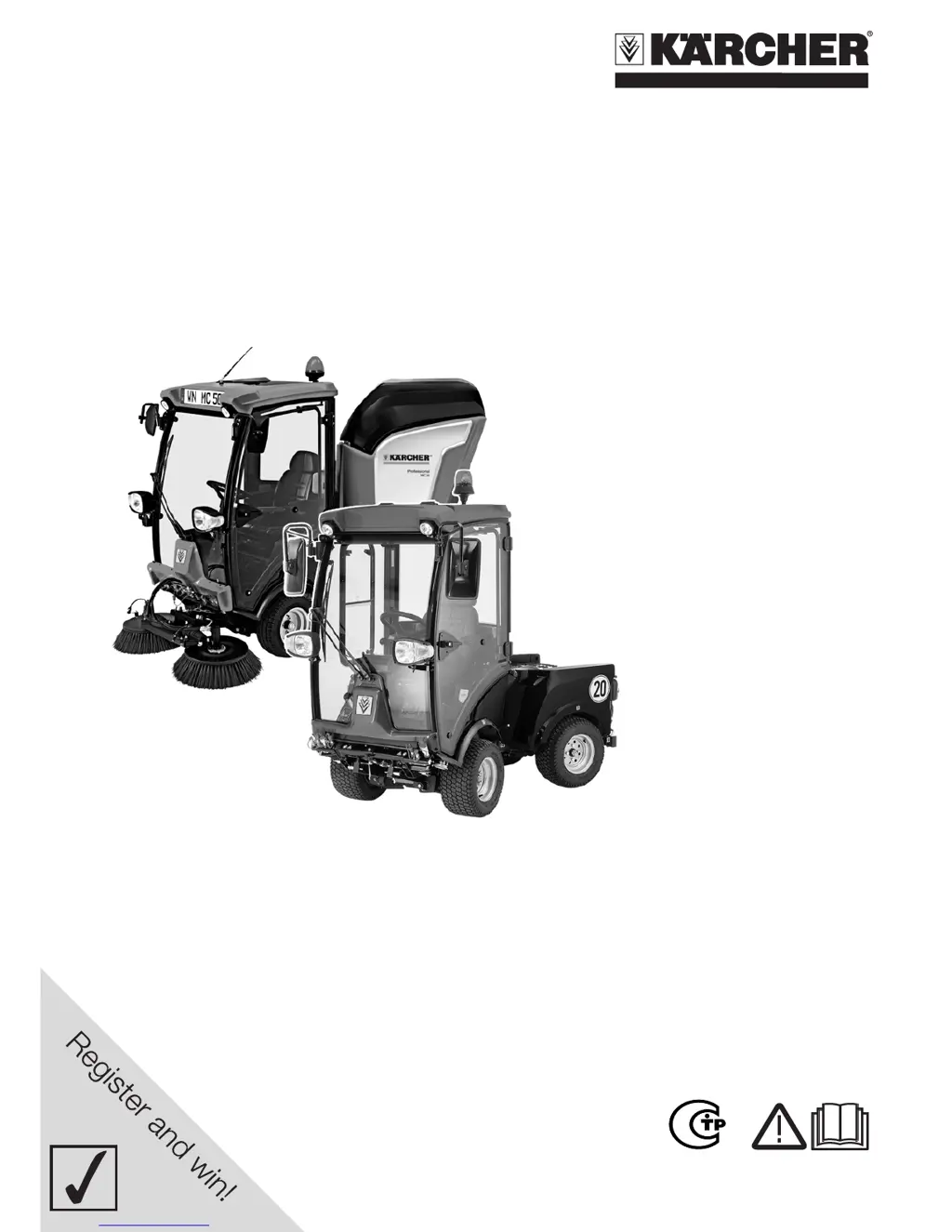
Kärcher MC 50 - User Manual

Kärcher MC 50
36 pages
Print Icon
To Next Page IconTo Next Page
Loading...
www.kaercher.com/register-and-win
MC 50
MIC 34C
59633150 09/13

Table of Contents

Other manuals for Kärcher MC 50

Questions and Answers

  • D
    Donna SanchezAug 18, 2025
    Why does the warning lamp for motor temperature light up on my Kärcher Blower?
    • C
      Caitlin NealAug 19, 2025
      If the warning lamp for the motor temperature lights up on your Kärcher Blower, it could mean the engine is overheated. Try setting the engine speed to idle, and clean the radiator. Let the engine run at idle until the warning lamp turns off. Also, check the engine's cooling liquid level. If the warning lamp remains on after 5 minutes, turn off the engine and contact Customer Service.
  • K
    Kristin HarrisonAug 21, 2025
    What to do if the engine is running erratically on my Kärcher Blower?
    • M
      michaelstricklandAug 21, 2025
      If your Kärcher Blower engine is running erratically, try cleaning or replacing the air filter. Also, check the fuel pipes, connections, and joints, and maintain them as needed. If the problem persists, contact Kärcher Customer Service.
  • J
    Jodi AtkinsAug 23, 2025
    How to troubleshoot starting issues with my Kärcher Blower?
    • C
      clineraymondAug 23, 2025
      If your Kärcher Blower isn't starting, try the following: charge or replace the battery; press the brake pedal; fill fuel and deaerate the fuel system; clean or replace the fuel filter; check the fuel pipes, connections, and joints, maintaining them if needed. If it still fails to start, contact Kärcher Customer Service.
  • E
    Edward LyonsAug 26, 2025
    What to do if my Kärcher Blower is moving slowly?
    • D
      Dr. Anna Gallegos DDSAug 26, 2025
      If the engine is running, but the Kärcher Blower moves slowly or not at all, release the parking brake and check the hydraulic fuel level. If problems persist, contact Kärcher Customer Service.
  • S
    Sabrina OsborneAug 27, 2025
    Why is my Kärcher sweeper Blower generating dust?
    • M
      Mr. Micheal RobinsonAug 28, 2025
      If your Kärcher sweeper appliance generates dust, switch on the water pump and refill water. Adjust the speed of the side-brushes and clean the spray nozzles on the side-brushes. If the issue continues, contact Kärcher Customer Service.
  • Y
    ylambertAug 30, 2025
    What to do if the sweeping unit of my Kärcher Blower does not pick up waste?
    • J
      Johnny CabreraAug 30, 2025
      If the sweeping unit on your Kärcher Blower sweeper isn't picking up waste, reduce the working area and empty the waste container. Set the engine correctly, and clean the suction channel and exhaust grid. If problems persist, contact Kärcher Customer Service.
  • D
    Donna CooperSep 1, 2025
    Why are the side-brushes on my Kärcher sweeper Blower rotating slowly?
    • M
      Melissa AdamsSep 1, 2025
      If the side-brushes on your Kärcher sweeper Blower are rotating slowly or not at all, increase the side-brush speed and remove any ropes or tapes that may be obstructing them. Check the level of hydraulic fuel. If issues persist, contact Kärcher Customer Service.
  • J
    Justin McguireSep 3, 2025
    How to resolve coarse waste left behind by my Kärcher sweeper Blower?
    • A
      April MitchellSep 3, 2025
      If coarse waste is being left behind by your Kärcher sweeper Blower, lower the suction opening and clean the top surface.
  • J
    John TravisSep 6, 2025
    What causes the waste container on my Kärcher sweeper Blower not to raise or lower?
    • B
      Benjamin SanchezSep 6, 2025
      If the waste container on your Kärcher sweeper Blower does not raise or lower, check the level of hydraulic fuel. If the issue persists, contact Kärcher Customer Service.
  • B
    bethanymillerSep 8, 2025
    Why is the warning lamp for battery lights up on my Kärcher Blower?
    • J
      Jeremy JohnsonSep 8, 2025
      If the warning lamp for the battery lights up on your Kärcher Blower, it means the battery is not being charged. Contact Customer Service.

Summary

Proper Use Guidelines

Foreseeable Misuse

Prohibits specific actions and environments to ensure safe operation.

Safety Instructions

General Operation & Application Safety

Pre-use checks, safe operation, hazardous areas, and operator responsibilities.

Driving & Vehicle Handling

Safe driving practices, vehicle operation, and transport securing.

Operator Controls and Interfaces

Model-Specific Control Overviews

Identifies key control elements for MC 50 and MIC 34C models.

Console and Lever Operation

Detailed explanation of console buttons, levers, and their functions.

Before Startup Procedures

Refuelling and Safety

Safe refuelling instructions, including warnings and fuel type.

Pre-Operation Safety Checks

Mandatory Safety Checks

Mandatory safety tests to perform before each operation.

Safe Operation and Driving

Safe operating practices, driving, stopping, and obstacle handling.

Waste Container Operation

Waste Container Safety Warnings

Critical safety information regarding tipping and crushing risks.

Waste Container Empting Procedure

Step-by-step guide for safely emptying the waste container.

Maintenance and Care

Cleaning and Panel Maintenance

Waste Container Safety Measures

Safety steps when working with a raised waste container.

Maintenance Intervals and Procedures

Scheduled Maintenance Intervals

Maintenance tasks based on operating hours (50, 250, 500, 1000, 1500).

Advanced Maintenance and Safety

General Safety for Maintenance

Critical safety warnings before performing maintenance or repairs.

Battery Handling and Charging

Safety instructions for installing, connecting, and charging batteries.

Engine Oil Management

Engine Oil Level Check (MC 50)

How to check and top up engine oil for the MC 50 model.

Engine Oil and Filter Change (MC 50)

Steps for changing engine oil and filter for the MC 50 model.

Engine Oil Level Check (MIC 34 C)

How to check and top up engine oil for the MIC 34C model.

Fluid and Component Checks

Engine Oil and Filter Change (MIC 34 C)

Steps for changing engine oil and filter for the MIC 34C model.

Hydraulic System Maintenance

Checking and refilling hydraulic oil, and hydraulic unit checks.

Fuel and Cooling System Maintenance

Fuel Filter Checks and Replacement

Procedures for checking and replacing fuel filters for MC 50 and MIC 34C.

Air Filter and Fuel System Ventilation

Sweeper Unit Maintenance

Troubleshooting Guide

Faults with Display Indicators

Lists faults indicated by warning lamps and their remedies.

Faults Without Display Warnings

Lists common faults without specific display warnings and their remedies.

Technical Specifications

Engine, Fuel, and Performance Data

Engine type, output, fuel capacity, and performance metrics.

Kärcher MC 50 Specifications

General IconGeneral
BrandKärcher
ModelMC 50
CategoryPressure Washer
LanguageEnglish

Related product manuals