20 – English SC 1502
Refilling Water
If the water in the boiler has been consumed, the
red low-water indicator lamp (B5) lights up.
You cannot open the safety lock (A3) as long as
a slight pressure is still present in the boiler.
While the low-water indicator lamp lights up, you
can unpressu-rize the boiler.
• Press the steam switch (C4) on the steam gun
(C1) until no more steam is emitted. Now, the
boiler of the appliance is unpressurized.
• Unscrew the safety lock (A3) from the
appliance.
A residual amount of steam may be emitted when
you open the safety lock. Be careful when you
open the safety lock, there is the risk of scalds.
• Turn the appliance off using the switch (A4).
• Fill a maximum of 2 litres of tap water into the
boiler. (see page 19: Filling the Boiler with
Water)
If the boiler is hot, there is the risk of scalds as the
water may splash back during the filling process.
• Screw the safety lock (A3) back onto the
appliance, and turn the appliance on using the
switch (A4).
• Wait until the indicator lamp (B4) lights up.
Now, the steam cleaner is ready to work again.
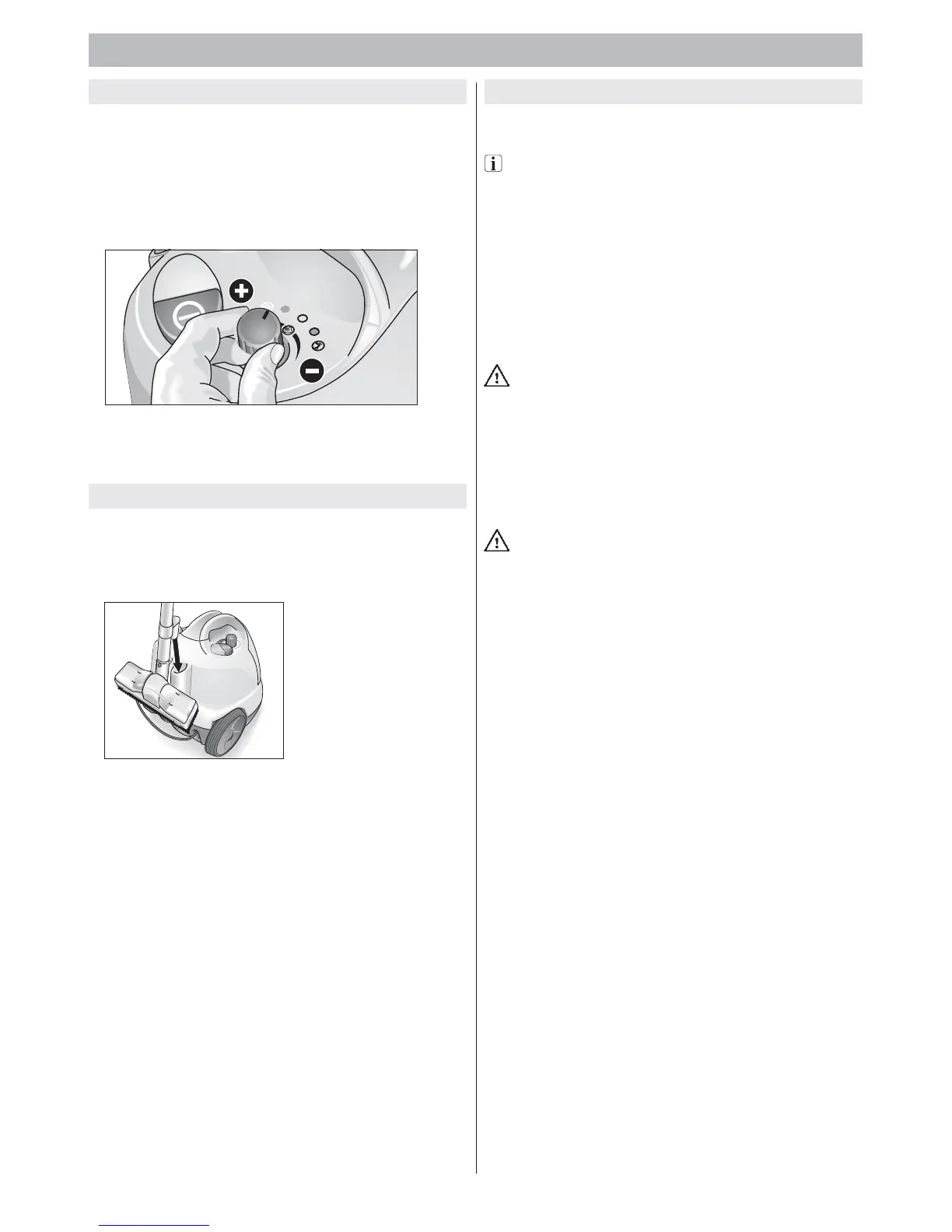
Adjusting the steam quantity
Rotary knob (B1)
• If you turn the rotary knob counter-clockwise,
a large quantity of steam is emitted.
• If you turn the rotary knob clockwise, only little
steam is emitted.
Figure 7: Adjusting the steam quantity
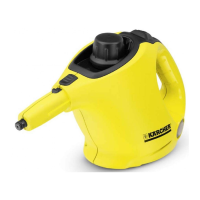
Parking the Appliance
• If you interrupt your work for a short period of
time, the extension tube with the attached
nozzle can be inserted into the parking position
(see Figure 8).
Figure 8: Parking position
3. Operation


 To Next Page