NT30D Technical Reference and User Guide
21
Line
It enables you to program a specific line number on a key. By pressing that key, you can
access the line that has been programmed on the key and make a call (provided that it is
vacant) and you can access that number by a single key.
A line can be assigned to more than one key. After the programming mode has been
exited, upon pressing those keys, it is possible to access the programmed lines, without
pressing 9. The status of the line (that was programmed as the first function of a key) can
be viewed by the LED of the key and also can be viewed on LCD screen of the DSS3L-24
module.
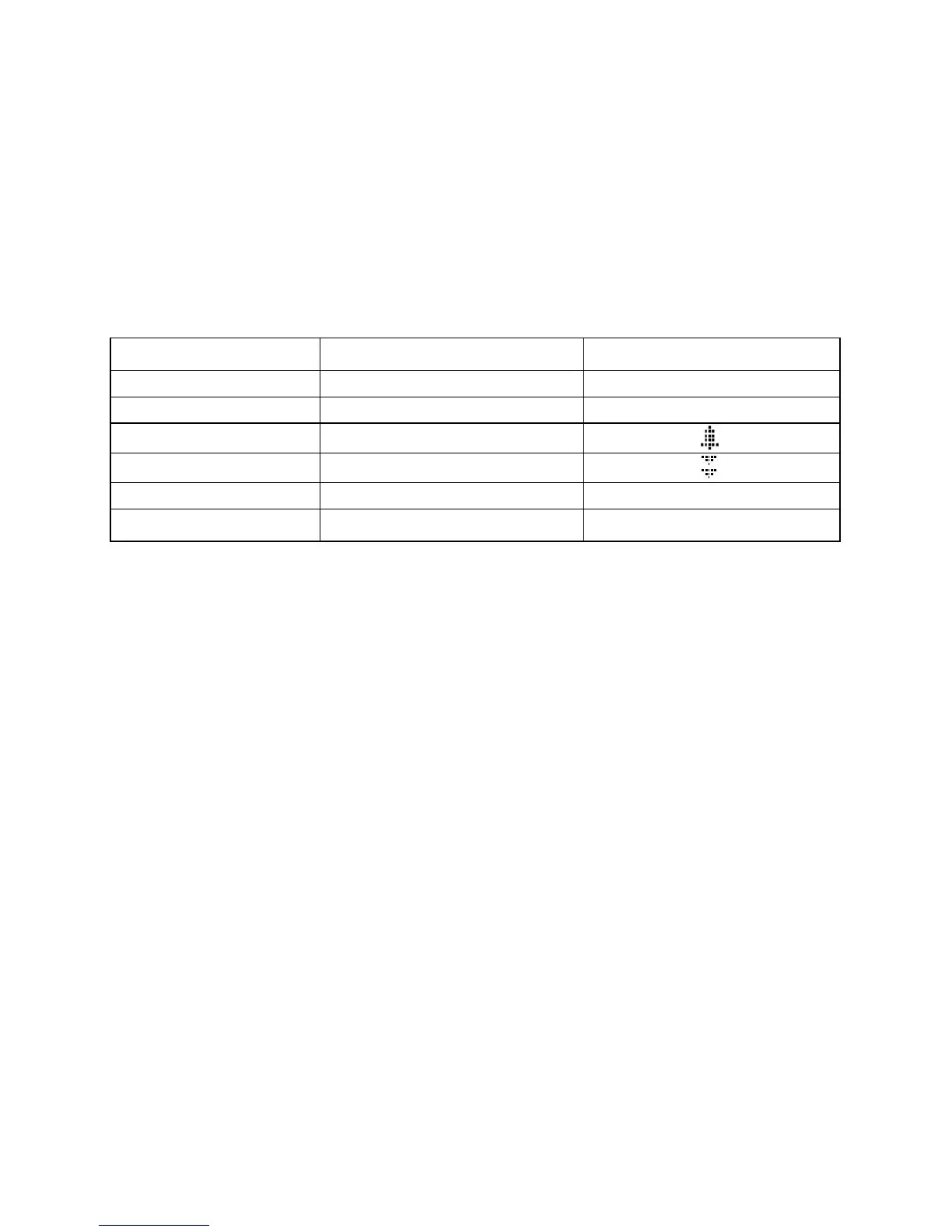
Status LED LCD Message
Idle Idle
“Line Number”
Busy Busy
“Line Number”
Incoming Call
Incoming Call
“Line Number ”
Calling
Calling
“Line Number
”
Parked Parked
“Line Number P”
Out of Order
-
“Line Number - FAILURE”
Call Control Key
This key is designed for users who have high intense call traffic, to park and hold calls by
pressing a single key only. Any line (internal or external) which is not assigned to any key
of DSS module, will be assigned to the first empty call use key. User can easily park and
retrieve this call easily by pressing that key.
First of all, number of Call Control Keys -between 1 and 6- should be decided. (If the ‘0’ is
selected, the Call Control keys defined before will be cancelled.) After that, DSS number of
the keys should be defined. (For example; when there are more than one DSS modules, if
the keys wanted to be programmed as ‘Call Control Key’ are on the second DSS module,
‘2’ must be written to ‘DSS Number:’ field.) After the process is confirmed, desired number
of call use keys will be assigned to the related DSS module by starting from the last key of
DSS module. (The last key on the related DSS module will be the first Call Control Key.)
Thanks to this, six different calls can be controlled at the same time. Calls will be assigned
to the call control keys in sequence (starting from the first one).
If there are no call assignment to those keys, there should appear ‘ - ‘ at near of the related
key on the DSS3L-24 module. However if there is an assignment, there should appear the
related number at near of the key. The status of a call can be viewed by the LED on the
key and also can be viewed on LCD screen of DSS3L-24 module. LCD Messages and their
meanings are shown below:


 To Next Page