3
2. Operator Guide:
2.1 - Power Up:
Connect the IEC power lead to the switched inlet socket on the main connector panel. Switch
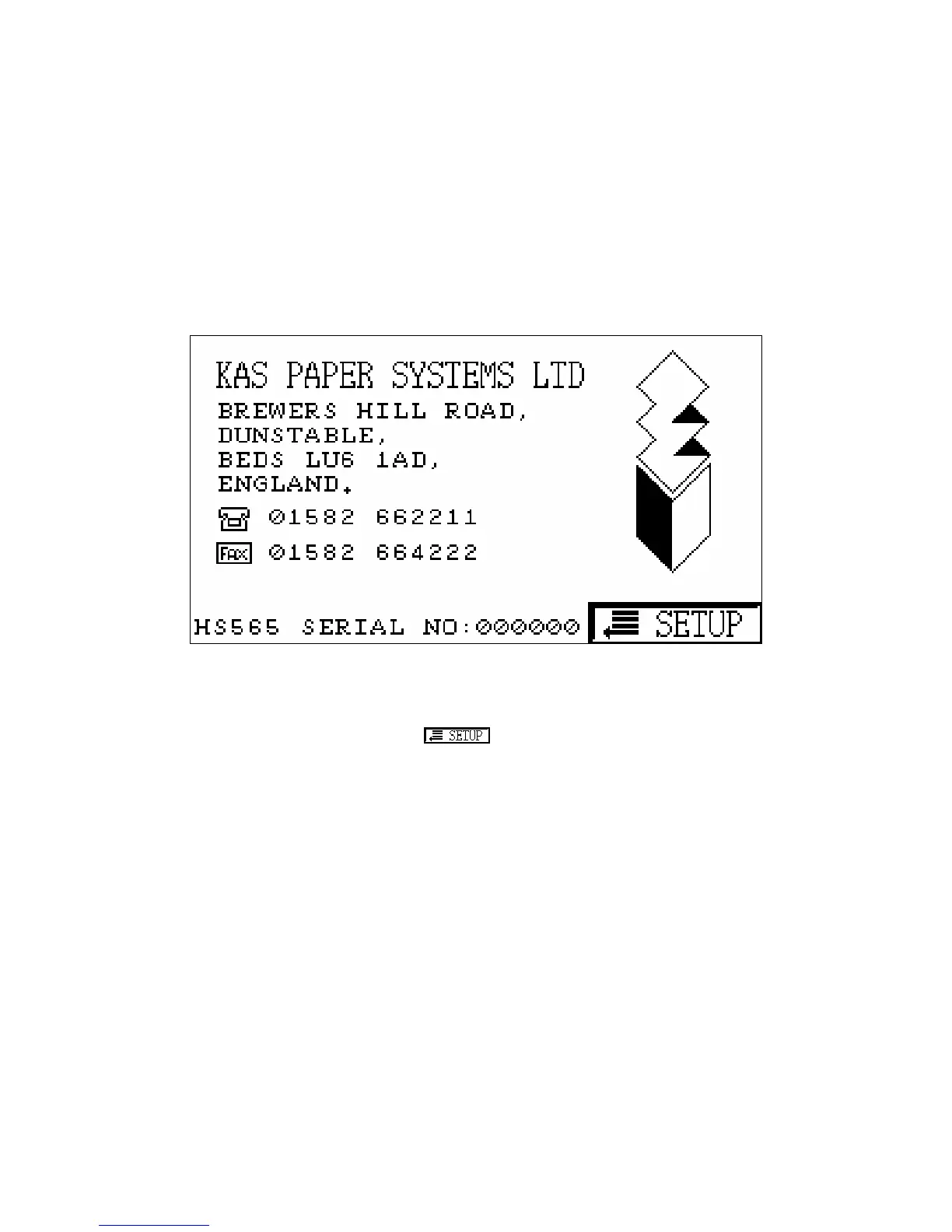
on and observe the KAS logo being displayed on the touch screen.
By touching the centre of the screen the System Setup menu will be displayed. See 2.4.
When installing a new End Feeder the switch should be used. This will display the
End Feeder Select screen (2.2), followed by the OMR Setup menus (2.3).



 To Next Page