5
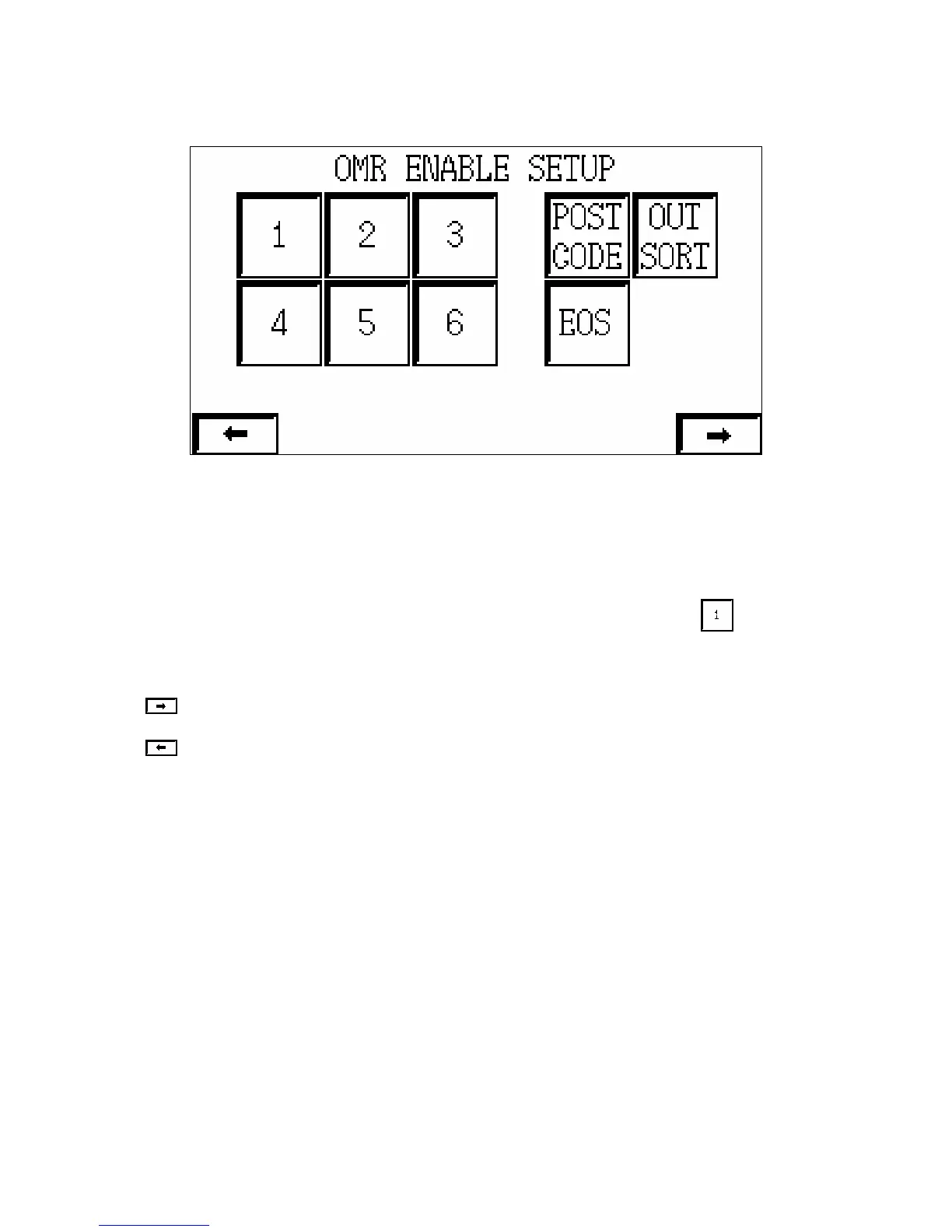
2.3 – OMR Enable Setup:
From this page, it is possible to enable or disable any of the request signals given by an
intelligent end feeder to feed documents from the side feeder stations. All signals are enabled
by default on power-up, apart from EOS (end of set), which remains in the last state set by the
user.
For example, if it is desired that Station 1 inserts requests should be ignored, the button
should be pressed to turn it off. All the buttons can be pressed or re-pressed to toggle the
status required. Black being ‘on’ white being ‘off’
Go to the System Setup menu. (See 2.4).
Go to the End Feeder Select menu. (See 2.2).



 To Next Page