KW55293 Wireless Router User Manual
21
5.4 Factory Default
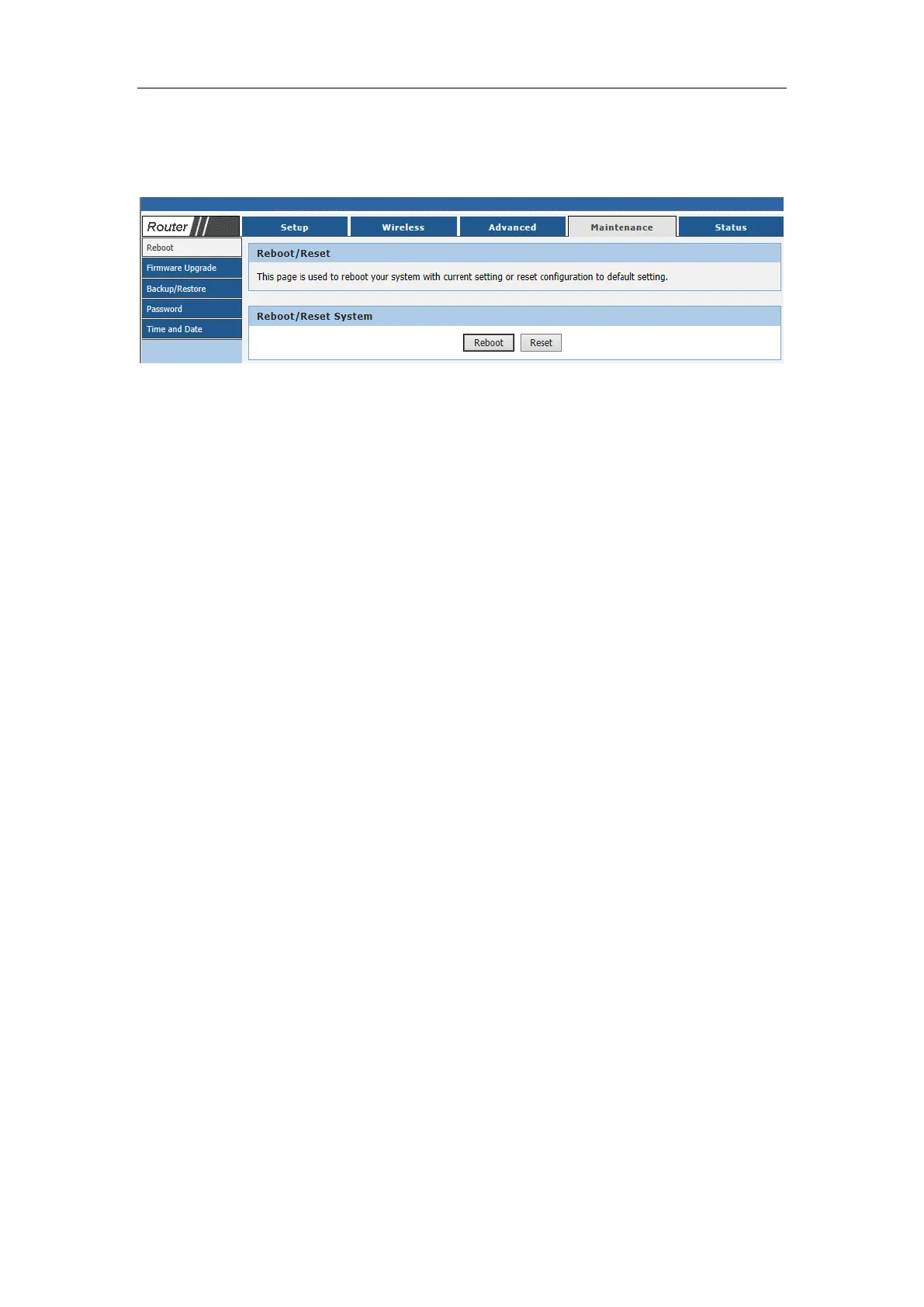
Choose menu “Maintenance→ Reboot”, and then and you can restore the
configurations of the Router to factory defaults on the following screen
Click the Reset button to reset all configuration settings to their default values.
The default User Name: Admin
The default Subnet Mask: 255.255.255.0
Note:
All changed settings will be lost when defaults are restored.



 To Next Page