KW55293 Wireless Router User Manual
7
3 Hardware Installation
This chapter shows you how to connect Router. Meanwhile, it introduces the
appropriate environment for the Router and installation instructions.
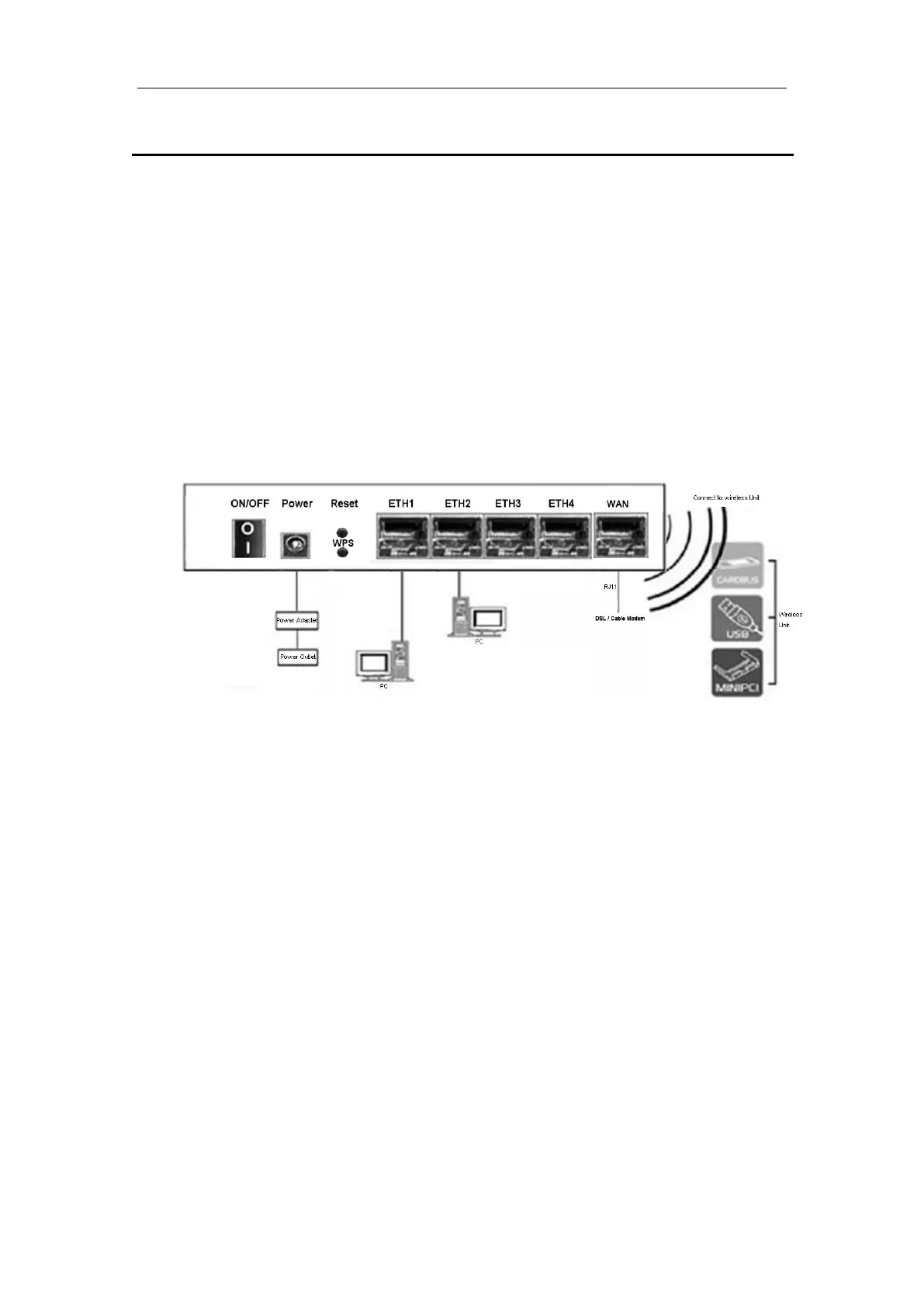
1. Using an Ethernet Cable to connect the WAN port of the ROUTER to a
cable or DSL modem.
2. Using an Ethernet Cable to connect the LAN port of the ROUTER to your
LAN or a PC with network card installed.
3. Connect the power cable to the PWR connector on ROUTER, then plug in
the power adapter to the AC power outlet, and then press the on-off button.



 To Next Page