KW6512 LinkSmart Wireless Router User Manual
19
6.2.4 Reboot
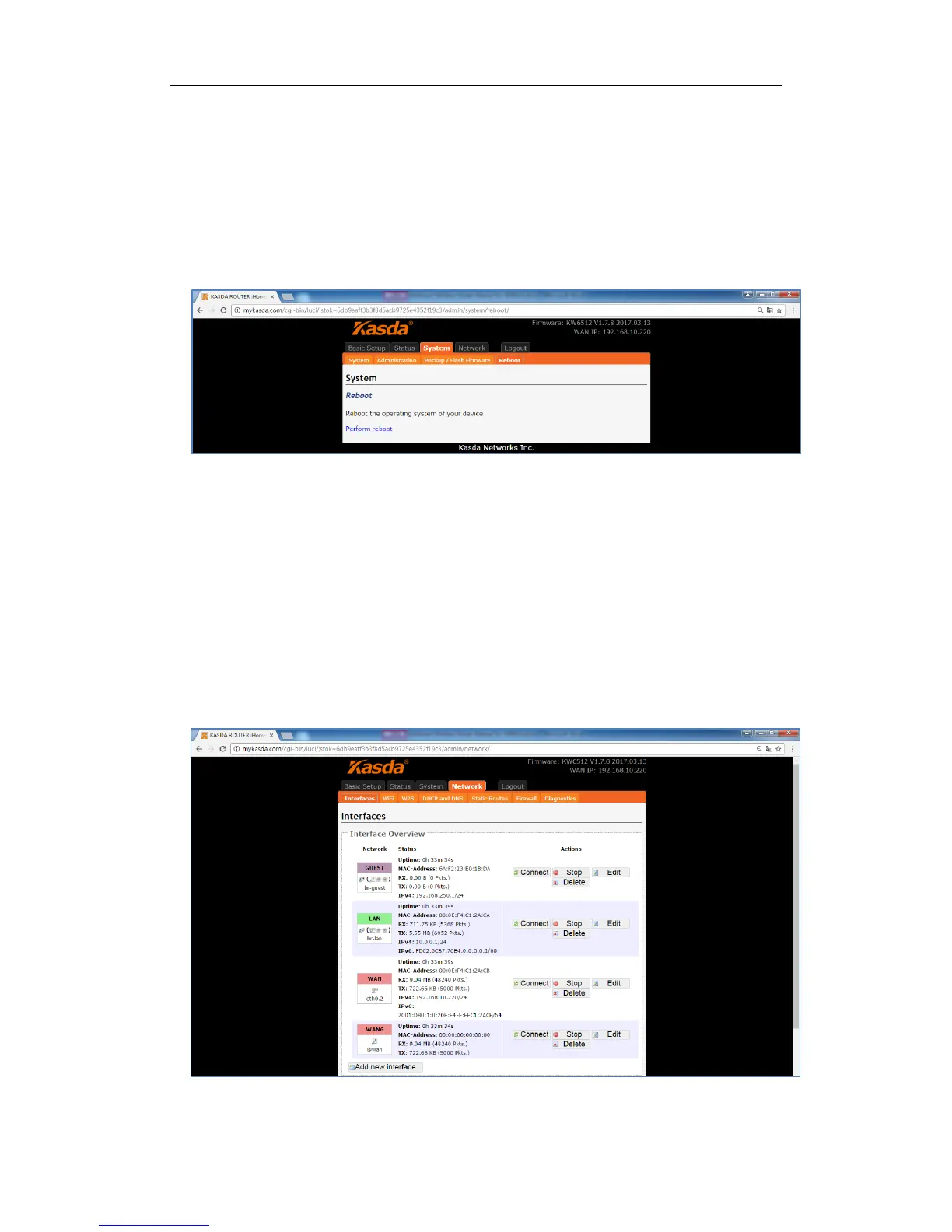
Click “Reboot”, you will go the following page. Here is for rebooting the operating
system of your device by clicking “Perform reboot”.
When you reboot your router, the Internet connection will be lost until the process
finished.
6.3. Network
6.3.1 Interfaces
Click “Interfaces”, you can see the following page about the router’s interfaces,
such as WAN, WAN6, GUEST and LAN.
On this page, you can overview the router’s interfaces status and do some modify
actions to them, such as Connect, Stop, Edit and Delete.



 To Next Page