KW6512 LinkSmart Wireless Router User Manual
20
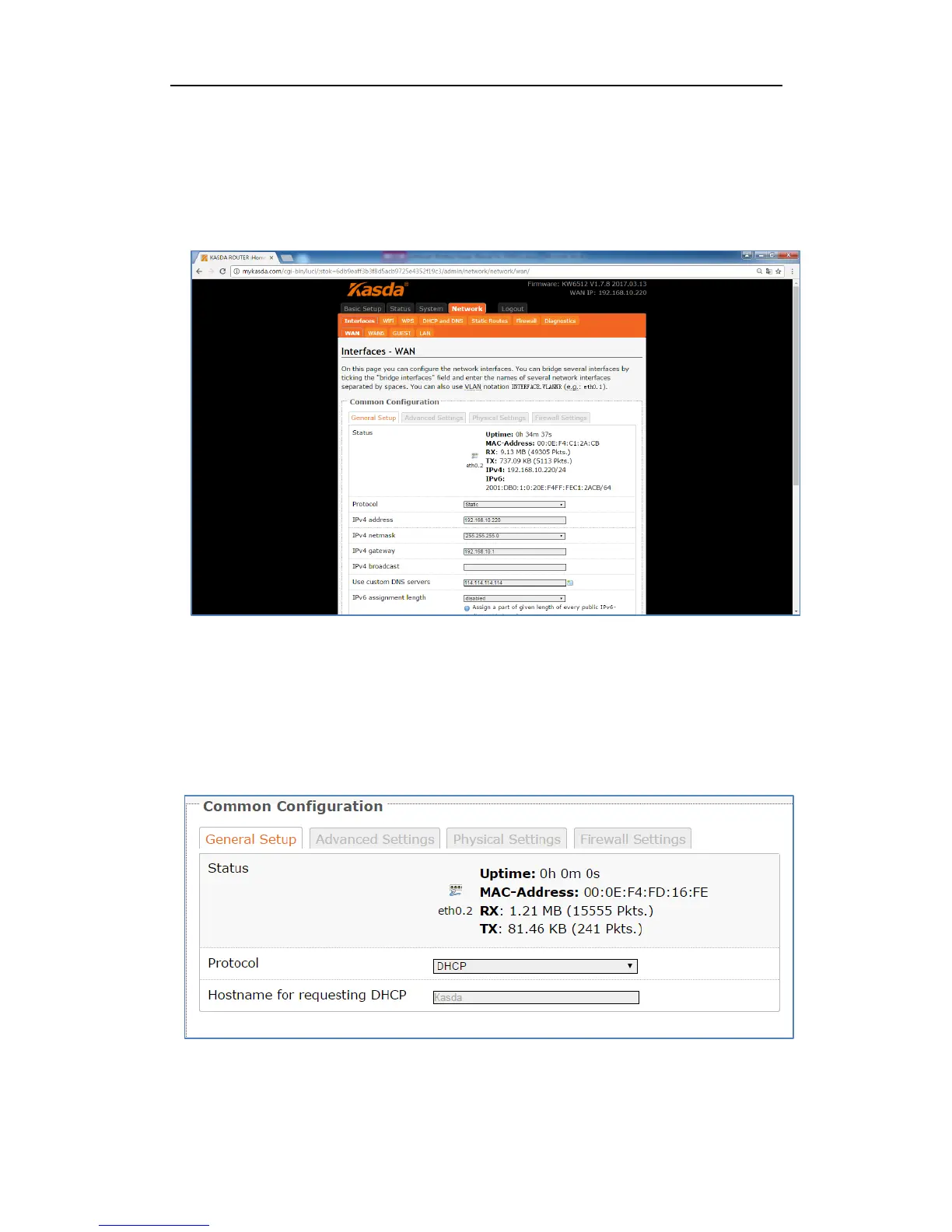
Interface—WAN
Choose the WAN interface, and you will go to the common configuration such as
General Setup, Advanced Settings, Physical Settings and Firewall Settings.
Wan Connection Protocol
1. DHCP
If you connect with a dynamic IP address or cable modem, keep the default: DHCP
Protocol.



 To Next Page