KW6512 LinkSmart Wireless Router User Manual
21
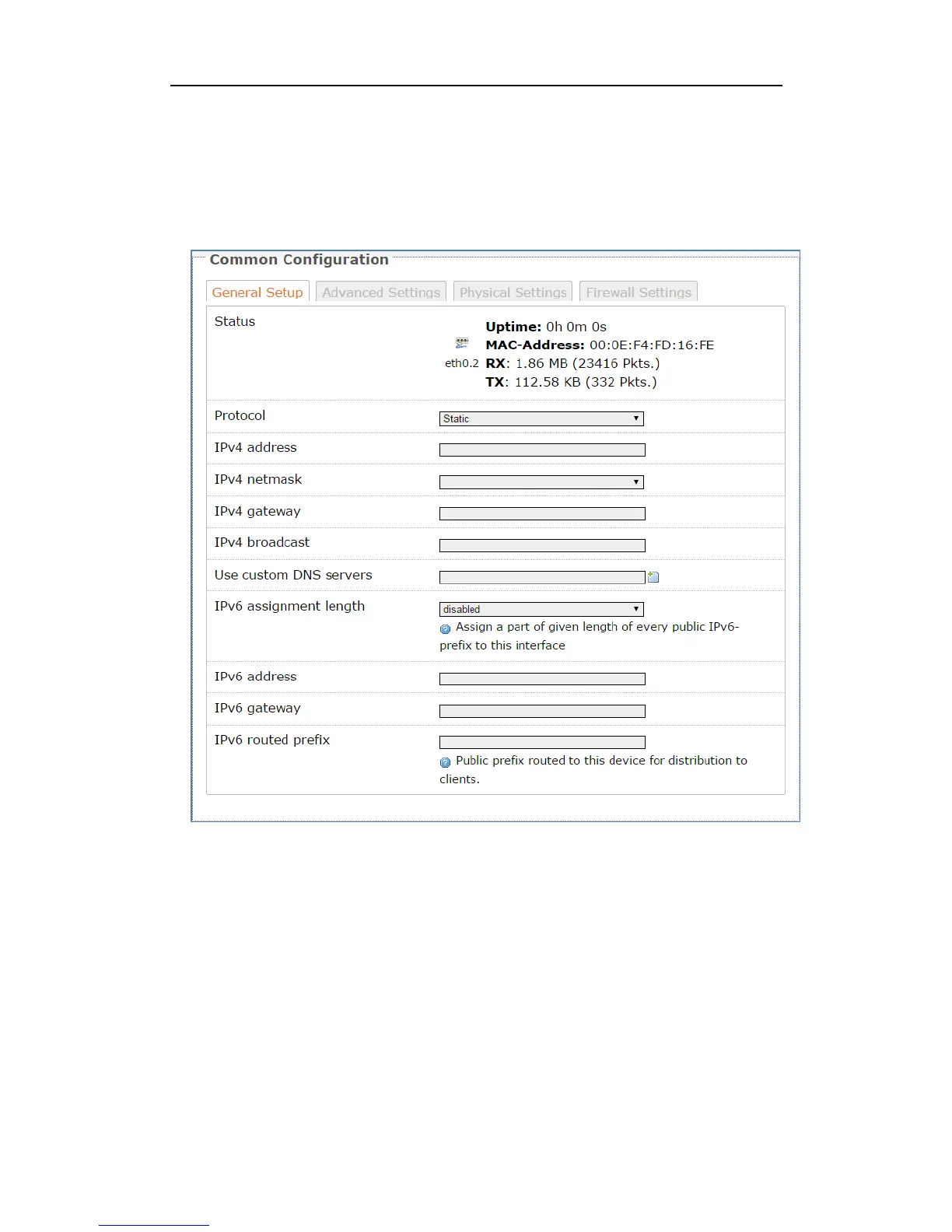
2. Static
To use a fixed IP Address to connect the Internet, select Static Protocol. Then click
switch protocol to type in the parameters your ISP provide.
IPv4 Address – enter the IPv4 address provided by your ISP. It is a necessity to
connect Internet.
IPv4 netmask – enter the netmask provided by you ISP. It is a necessity to connect
Internet.
IPv4 gateway – enter the gateway IP address provided by your ISP. It is a necessity
to connect Internet.
Use custom DNS servers – enter the DNS (Domain Name System) server IP
address provided by your ISP. If you have two or more DNS servers, you can click
the add button behind to add.



 To Next Page