KW6512 LinkSmart Wireless Router User Manual
22
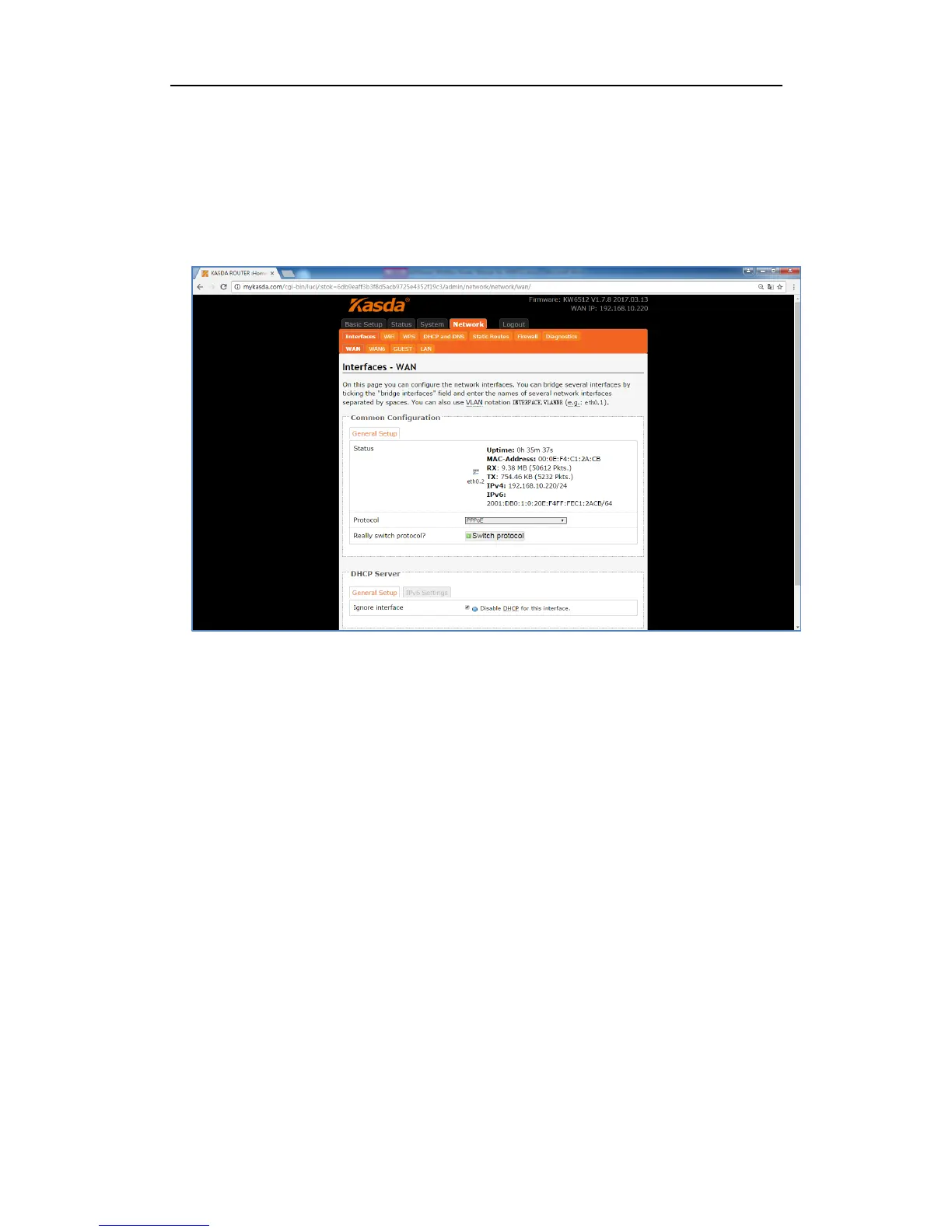
3. PPPoE
If you use PPPoE connection, select PPPoE as your WAN Protocol and click Switch
Protocol to confirm.
Username – enter the username provided by your ISP. It is a necessity to connect
the Internet.
Password – enter the password provided by your ISP. It is a necessity to connect
the Internet.
Access Concentrator – enter the Access Concentrator if required by your ISP.
Service Name – enter the Service Name, if required by your ISP, or just leave it
empty to autodetect.



 To Next Page